Hint
When you cannot hear the sound, raise the volume on the connected device.
Note
While the Stereo Pair function or the Party Connect function is in use, the speaker is not capable of outputting the music playing
on the device that is connected to the AUDIO IN jack by an audio cable.
Touch AUDIO IN on the speaker.
3
Turn on and start playback on the connected device.
4
Adjust the volume to a moderate level on the connected device.
If the volume is adjusted by operations on the connected portable audio device, the
(power) indicator on the
speaker will not flash.
5
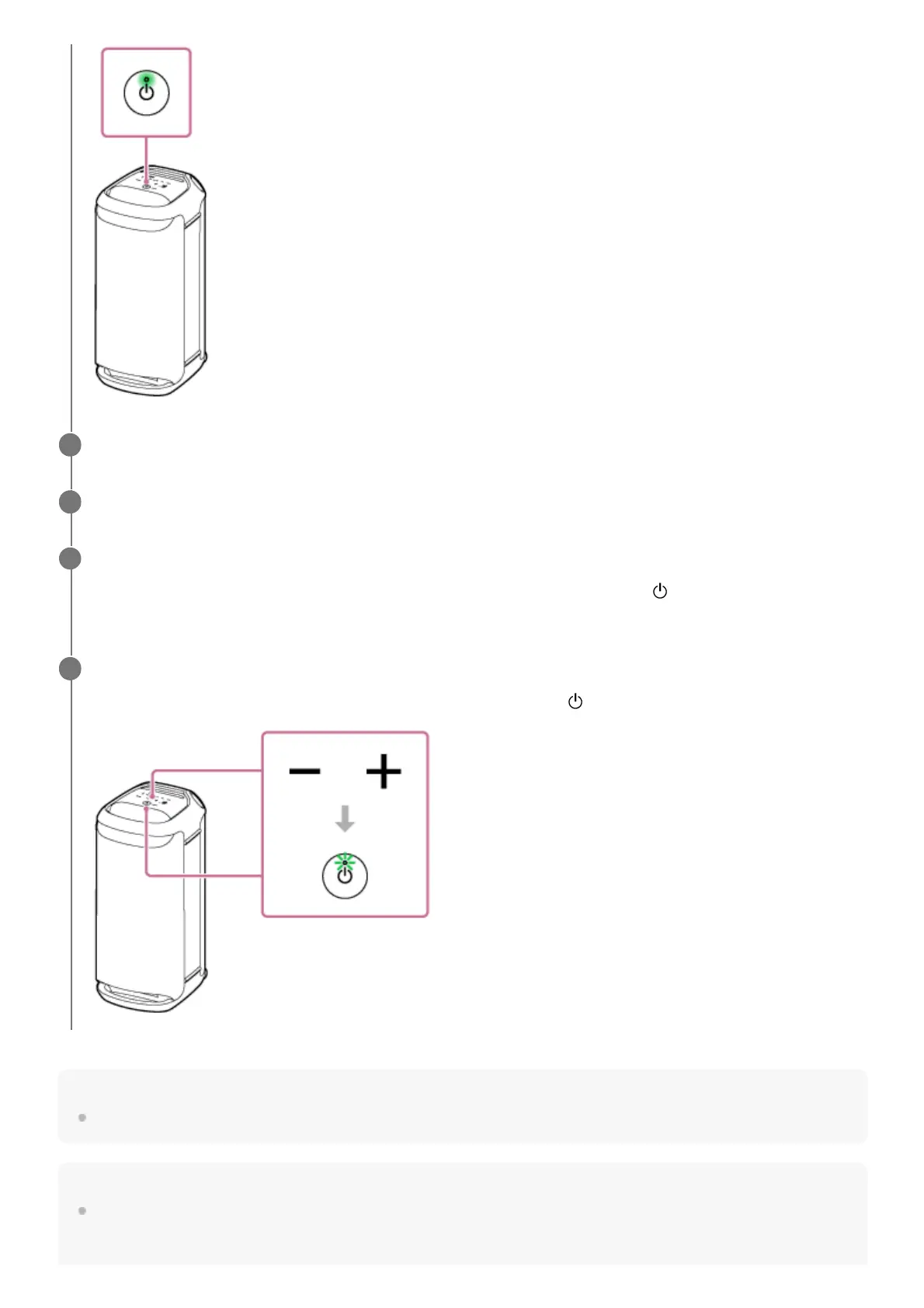
Touch –/+ (volume) on the speaker to adjust the volume.
When you touch –/+ (volume) on the speaker to adjust the volume, the
(power) indicator flashes once or 3 times.
6



 To Next Page