Help Guide
Wireless Speaker
SRS-XV800
Updating the pre-installed software
When a new version of the software is released, you can update your speaker’s pre-installed software by using the
following methods.
By updating the software, new features will be added enabling you to experience more convenient and stable use.
Connect the speaker to an AC outlet with the supplied AC power cord (mains lead).
Software updates cannot be performed when using with the built-in battery.
1
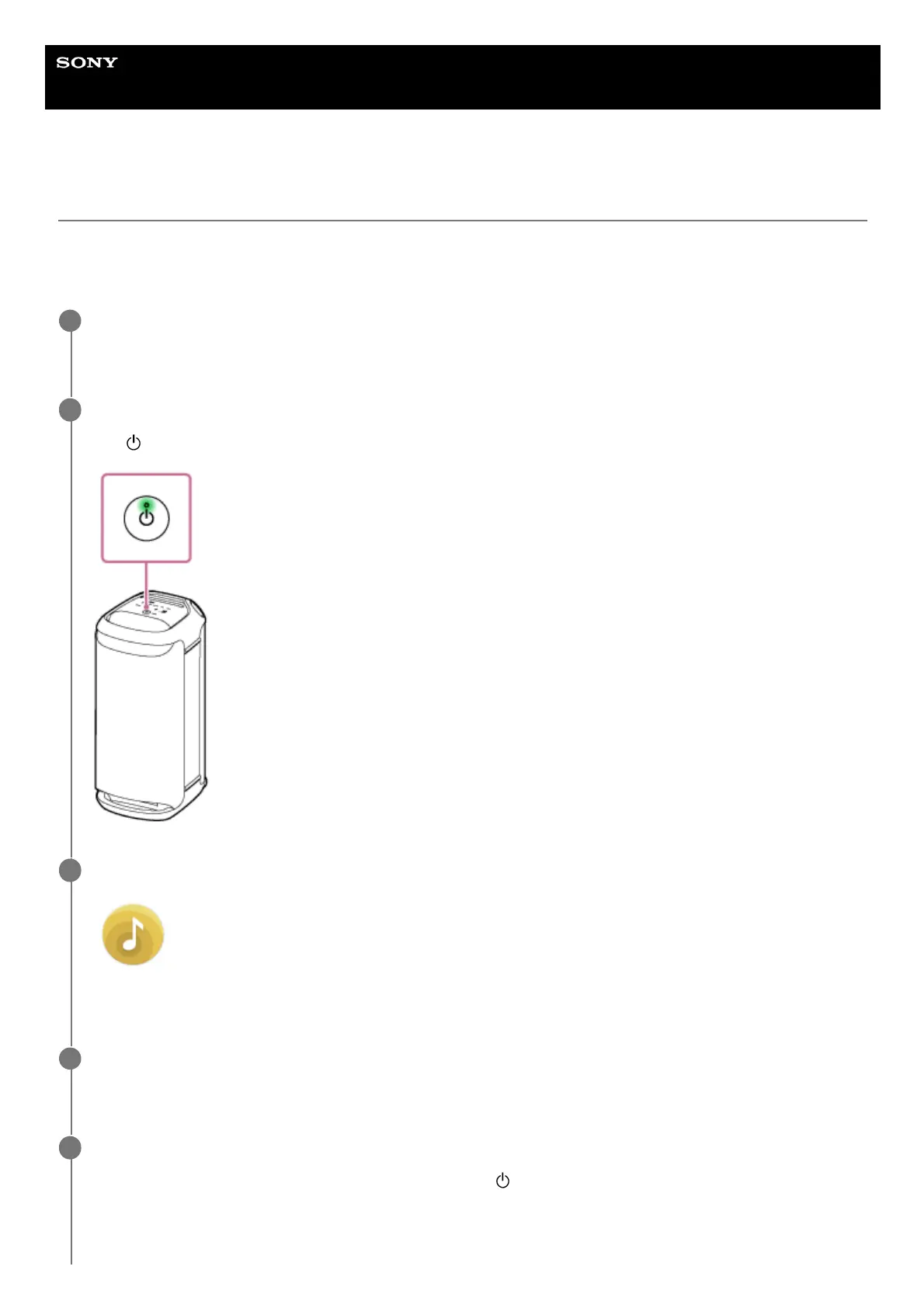
Turn on the speaker.
The
(power) indicator lights up in green.
2
Tap [Music Center] on your smartphone, etc. to start up the application.
Music Center
3
Tap [SRS-XV800].
When a new version of the software is released, an update notice is displayed on the “Sony | Music Center” screen.
4
Follow the instructions on the screen to update.
As the software update progresses, the activity of the green
(power) indicator changes (from 5 flashes to 4
flashes, a single flash, and then unlit).
Depending on the situation, you may not be able to see all flashing patterns.
5



 To Next Page