The speaker is searching for a BLUETOOTH device.
To pair the speaker with a second or subsequent BLUETOOTH device (when the speaker has pairing
information of other BLUETOOTH devices), proceed to step
.
To reconnect the speaker with one of the BLUETOOTH devices that have been paired with the speaker before,
proceed to step
. The speaker will automatically be connected just by turning on the BLUETOOTH function
on the BLUETOOTH device. Depending on the BLUETOOTH device, the speaker may be reconnected with the
device right after it is turned on. For details, refer to the operating instructions supplied with your BLUETOOTH
device.
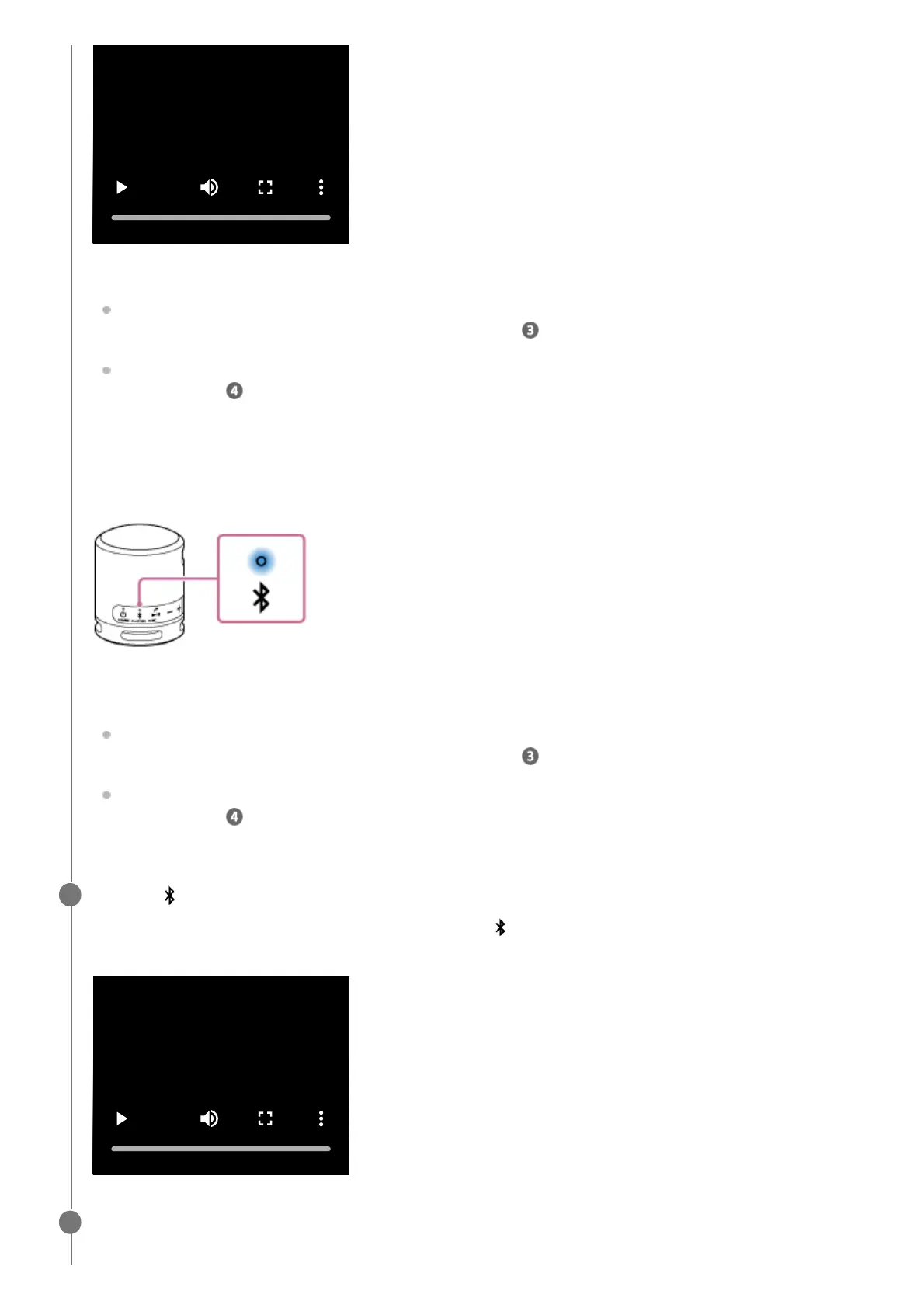
When the indicator stays lit
The speaker has been connected to the BLUETOOTH device.
To connect to other BLUETOOTH devices, follow one of the procedures below.
To pair the speaker with a second or subsequent BLUETOOTH device (when the speaker has pairing
information of other BLUETOOTH devices), proceed to step
.
To reconnect the speaker with one of the BLUETOOTH devices that have been paired with the speaker before,
proceed to step
. The speaker will automatically be connected just by turning on the BLUETOOTH function
on the BLUETOOTH device.
Press the (BLUETOOTH) button.
You hear voice guidance (Pairing) from the speaker and the
(BLUETOOTH) indicator starts double flashing
(pairing mode).
3
Perform the pairing procedure on the BLUETOOTH device to detect the speaker.
When a list of detected devices appears on the display of the BLUETOOTH device, select “SRS-XB100.”
4



 To Next Page