The speaker is already connected with one of the BLUETOOTH devices.
To connect the speaker with another BLUETOOTH device, do either of the following:
To pair the speaker with a second or subsequent BLUETOOTH device (when the speaker has pairing
information of other BLUETOOTH devices), proceed to step .
To reconnect the speaker with one of the BLUETOOTH devices that have been paired with the speaker before,
proceed to step .
The speaker will automatically be connected with the computer just by turning on the BLUETOOTH function on
the computer.
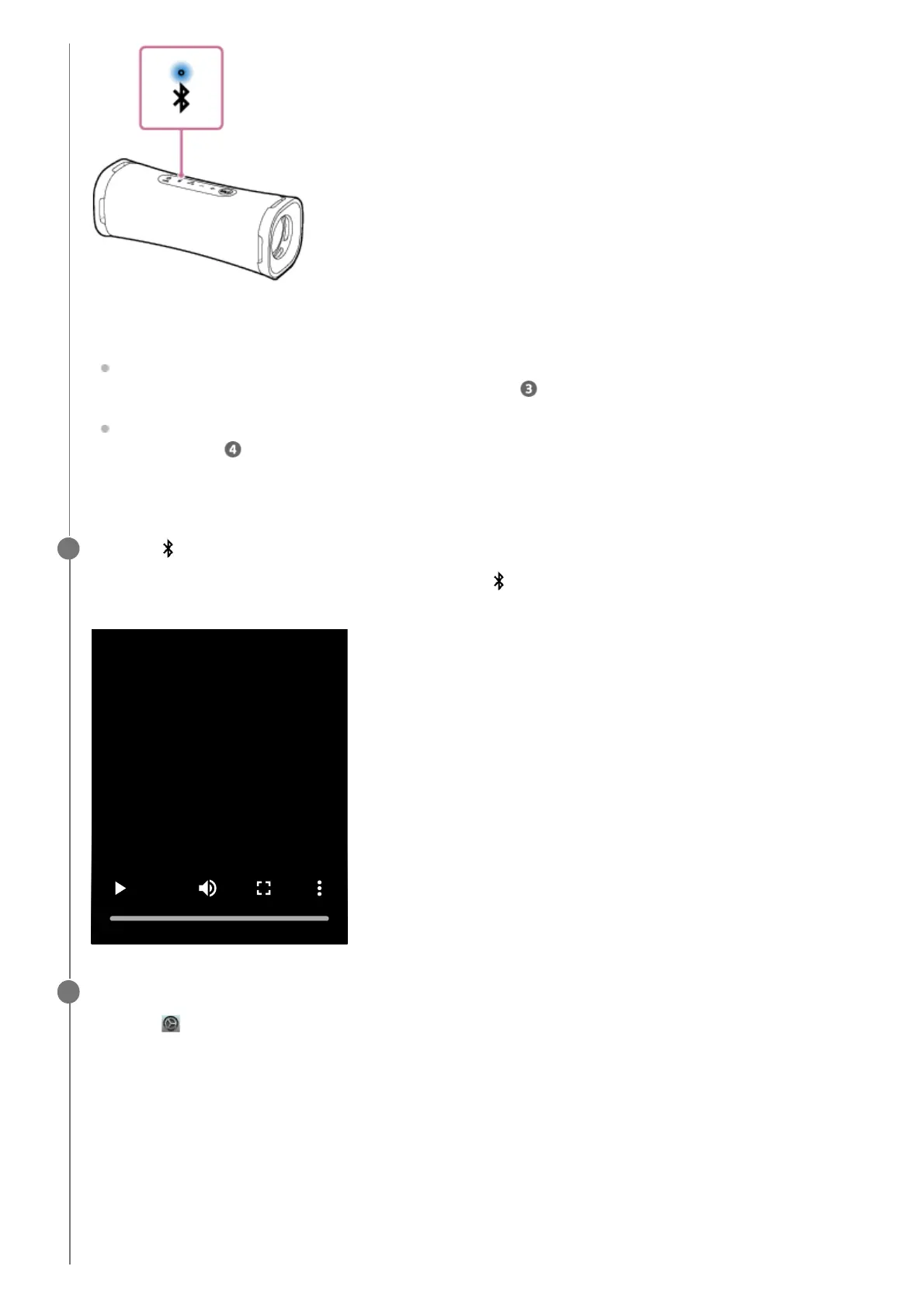
Press the (BLUETOOTH) button.
You hear voice guidance (Pairing) from the speaker and the (BLUETOOTH) indicator starts double flashing
(pairing mode).
3
Search for the speaker on the computer.
4
Click [ (System Preferences)] - [Bluetooth] in the taskbar on the right-bottom of the screen.1.



 To Next Page