aside in a safe place.
4-b Inspect the threads on the auxiliary counterweight stem.
If there is any debris, please brush it with a small paint brush,
or clean toothbrush. Debris can cause the threads to become
stuck.
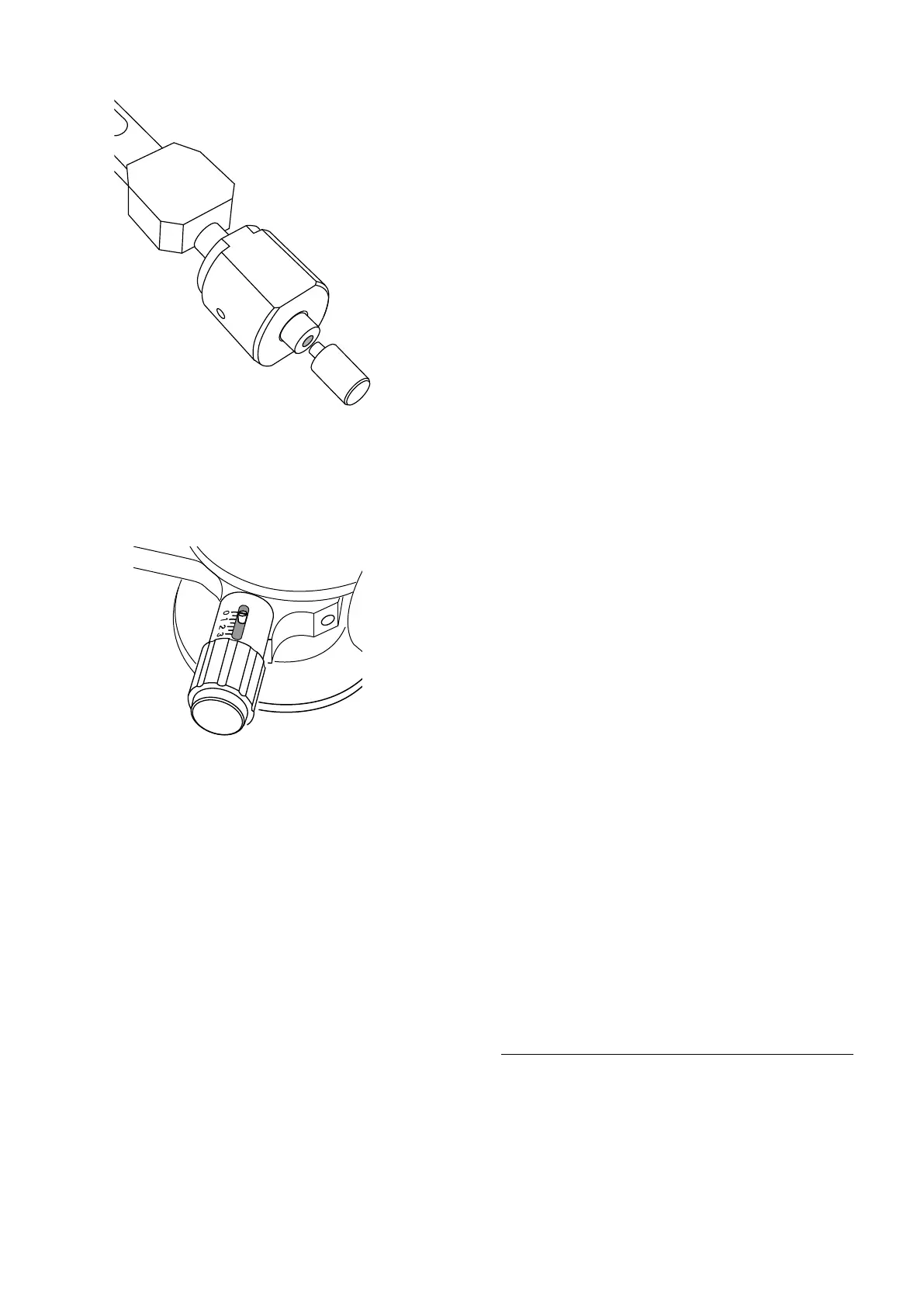
4-c Attach the auxiliary stem by carefully threading clockwise
into the main stem. The threads are normal “right-hand
threaded”.
4-d Tighten firmly with your fingers, but do not apply
aggressive force. Do not use a wrench, or other tool that would
apply too much force on the bearings. Do not use thread-
locking compound (removal would require excessive force).
Finger-tighten only!
4-e The auxiliary counterweight stem provides two methods of
counter-balancing heavier cartridges and headshells.
1--The weight of the auxiliary stem provides additional force.
2--The stem also provides much greater range of adjustment of
the main counterweight (the zero-set counterweight).
Anti-skating (bias) adjustment
Set the bias adjustment knob to the same number as the tracking force.
Some experimentation may be necessary based on the specific stylus
profile used by the cartridge.
Thank you for choosing Sorane! As IT Industry values the
customer, and strives to offer the best performance, we are sure
you will enjoy many hours of clear and dynamic sound.
Happy listening!


 To Previous Page
 Loading...