Cranex® D Site Ceph Beam Alignment (White Panel Version)
Rev. 1 Cranex® D Ceph Beam Alignment (White Panel) Page 2 of 13
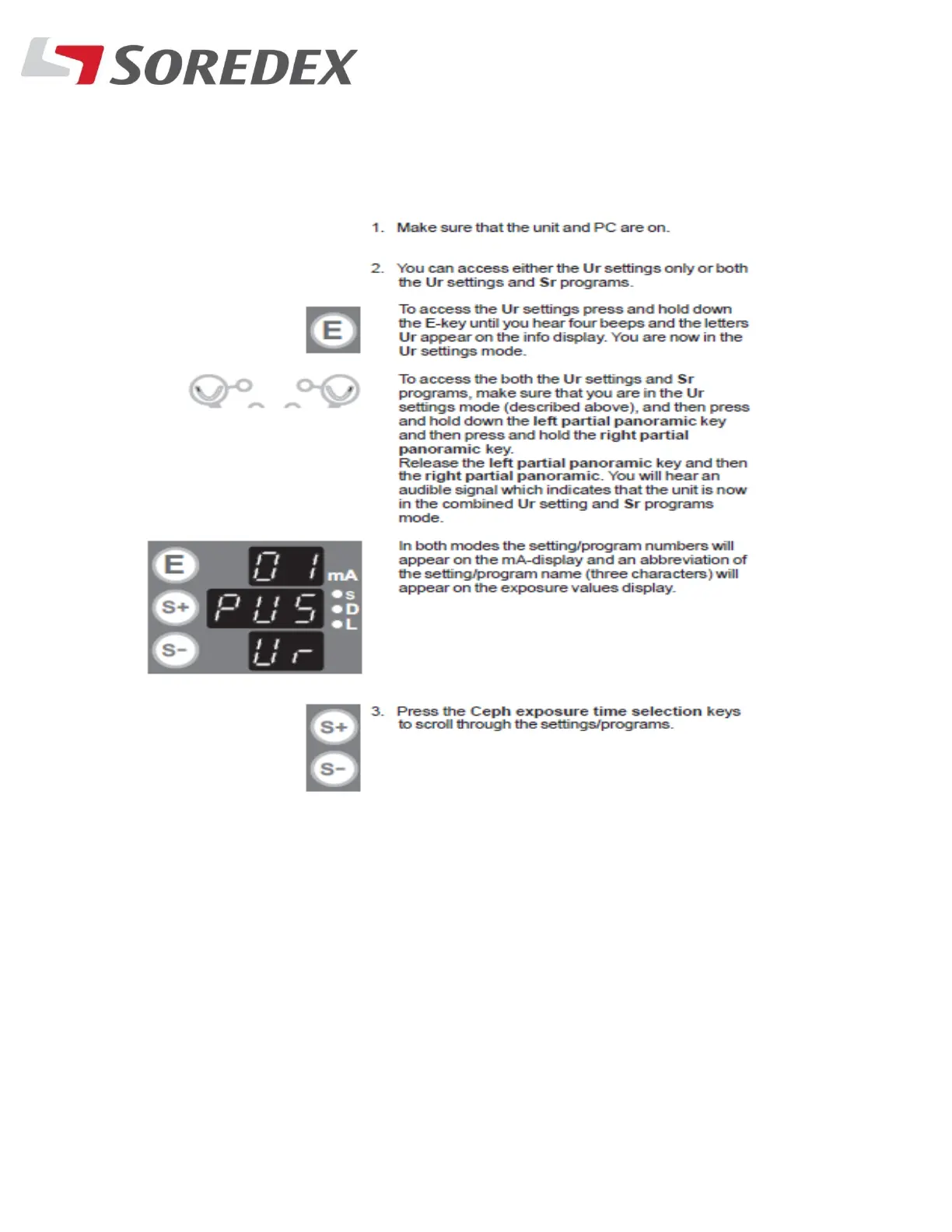
Step #2: Get into service mode by doing the following:
Select Sr 11 EPS and press the E key and let
go (do not hold the button).
Press the left or right upper arch button to
select the different technique factors and
exposure time.



 To Next Page