Need help?
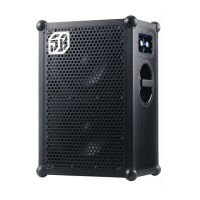
Do you have a question about the SOUNDBOKS 2 and is the answer not in the manual?
Lists essential tools like electric and stubby screwdrivers, Phillips bits, and wire cutters for the DC module installation.
Steps to disconnect the DC module cable from the PCBA, including cutting a plastic cable tie carefully.
Instructions to remove the left-side handle bar and cup using eight cabinet screws.
Unscrew the DC module from the battery slot and pull the DC cable out through the battery slot.
Connect the DC module Molex to the PCBA and bundle the cables back together using the cable tie.
Feed the DC module through the hole and secure it with two small screws using a stubby screwdriver.
Place the cup and handle bar back into the slot and replace the eight cabinet screws, using longer screws for the handle bar.
 General
| Amplifier | Class D |
|---|---|
| Frequency range | 40 Hz - 20 kHz |
| Charging time | 3.5 hours |
| Battery Life | 40 hours |
| Wattage | 144W |
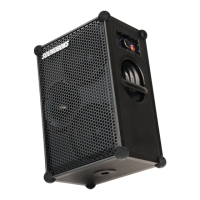
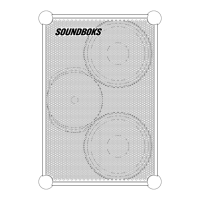
| Drivers | 2 x 10" Woofers, 1 x 1" Tweeter |
| Battery | Lithium-ion |
| Inputs | 1 x 3.5 mm Aux, 1 x XLR, 1 x RCA |
| Outputs | 3.5 mm jack |
| SPL | 126 dB |
| Water Resistance | Splash-proof |

 To Next Page