09 10
EN EN
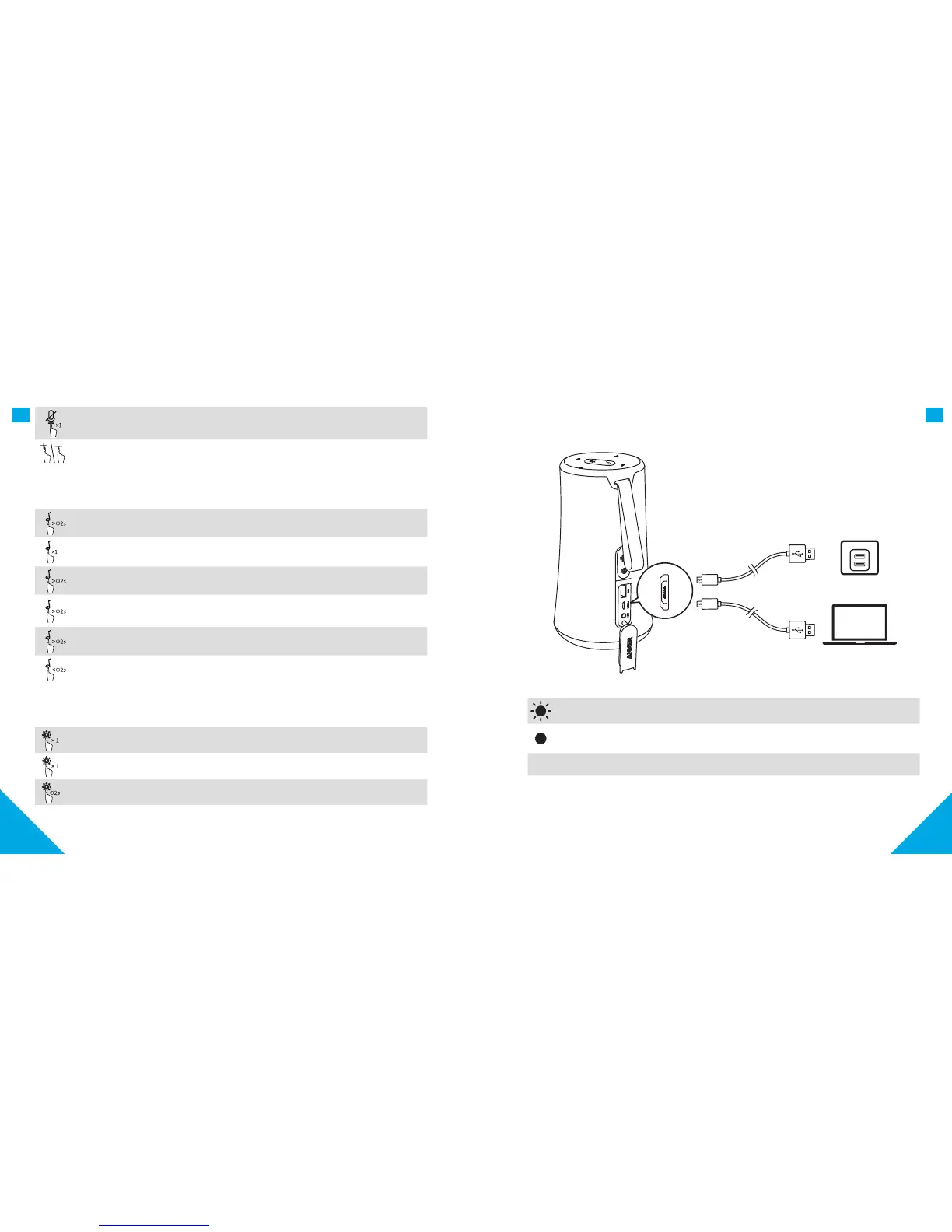
Mute the microphone
Volume Up / Down
f. Phone call control
Press and hold for more than 2 seconds to activate the Alexa
Answer Call / End Call
Reject Call / Switch between a call on hold and an active call
End current call and answer incoming call / End current call and
switch to call on hold
Switch audio source between Speaker and Phone
Put current call on hold and answer incoming call
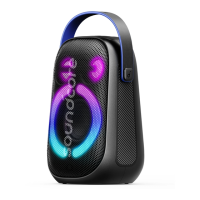
g. Light Eects
Press to turn Light Eects on
Press once to switch between Light Eect modes
Press and hold for 2 seconds to turn Light Eects O
2. Charging your Flare S+
Slow flashing red (Power indicator) Low Battery
Solid red (Charging indicator) Charging
O (Charging indicator) Fully Charged









 To Next Page