EasyManua.ls Logo

SoundLogic R-011M - User Manual

SoundLogic R-011M
9 pages
Print Icon
To Next Page IconTo Next Page
Loading...
1
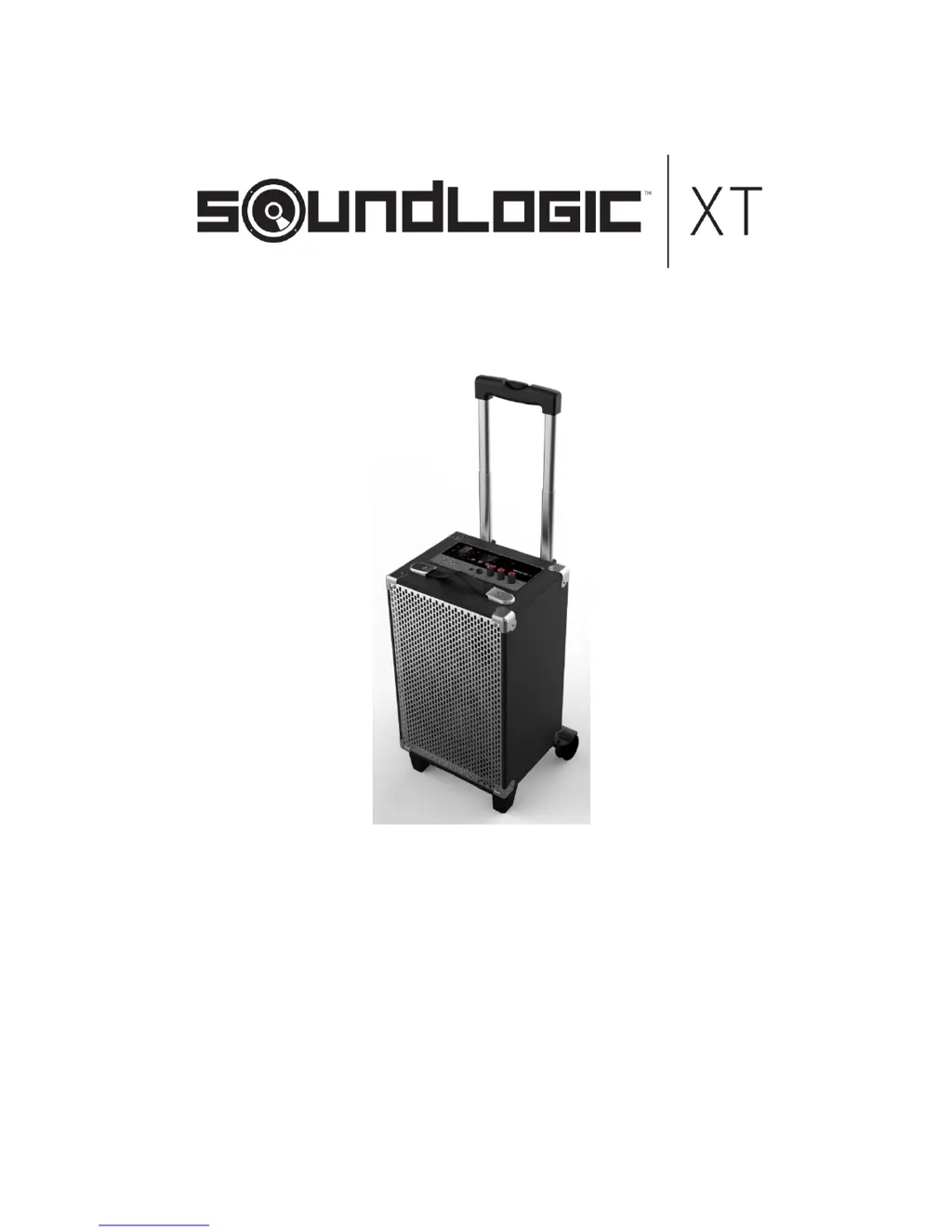
TailgateSpeakerSystem
ItemNo:R011M/BTTG1/6 3 5 7
INSTRUCTIONMANUAL
PLEASEREADALLINSTRUCTIONSCAREFULLYAND
RETAINFORFUTUREUSE

Questions and Answers

  • W
    wskinnerAug 11, 2025
    What to do if there is no sound from my SoundLogic R-011M?
    • Y
      yconradAug 11, 2025
      If you're not getting any sound from your SoundLogic Speaker System, there are a few things to check: * Ensure the volume isn't set to the minimum. Turn the MAIN VOLUME knob to increase the volume. * Confirm that the connected device is playing music and the volume is at an audible level. * Verify that the input source is correctly selected by pressing the MODE button to choose the desired function.
  • B
    Brooke Young MDAug 20, 2025
    Why is my SoundLogic Speaker System distorting sound?
    • B
      Brian BauerAug 20, 2025
      Sound distortion in your SoundLogic Speaker System is likely due to the volume level being too high. Try turning the MAIN VOLUME knob to decrease the volume.
  • W
    Wanda HaynesAug 30, 2025
    How to fix a SoundLogic Speaker System that has no power?
    • D
      Donna CollinsAug 30, 2025
      If your SoundLogic Speaker System has no power, make sure the AC/DC adapter is properly plugged into the wall outlet. Plug it in to restore power.

SoundLogic R-011M Specifications

General IconGeneral
BrandSoundLogic
ModelR-011M
TypePortable Speaker
Power Output3W
Impedance4 Ohm
BatteryBuilt-in rechargeable lithium-ion
ConnectivityBluetooth
Power SourceUSB

Related product manuals