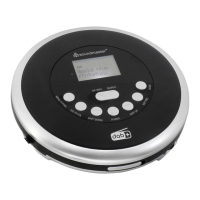
CD9290 / English Instruction Manual
1
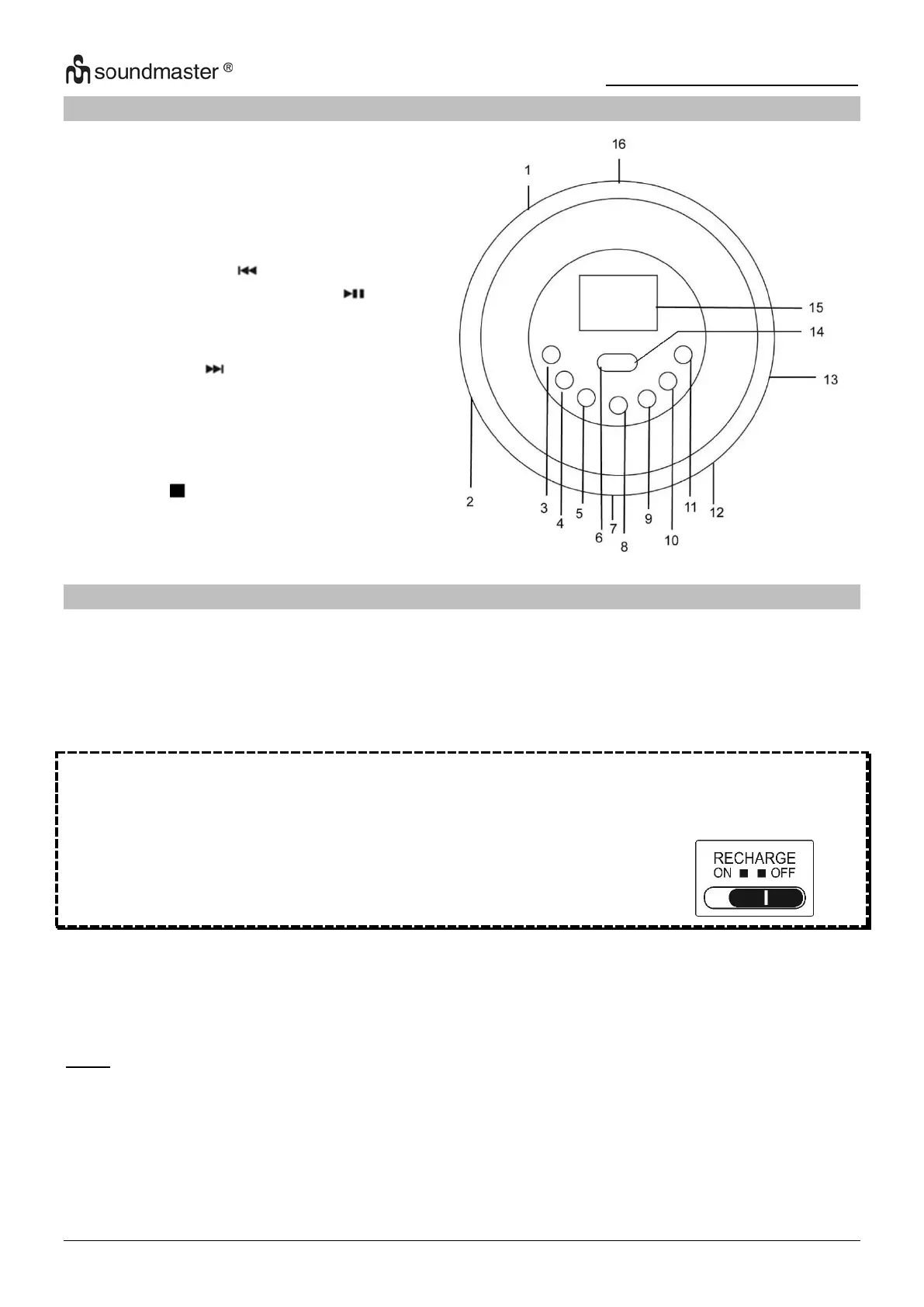
LOCATION OF CONTROLS
OK / INFO, PLAY / PAUSE button
RECHARGE SWITCH (at the bottom)
Battery Compartment (at the bottom)
INSTALLATION
Content of Delivery
Battery Installation
A T T E N T I O N !!!
On operation with standard/conventional batteries, be sure that the charging
switch „RECHARGE“ is on „OFF“ position, otherwise the batteries may
become hot and explode.
1. Open the Battery Compartment cover.
2. Insert 2 batteries ( UM-3, “AA”, LR6 or equivalent ) in the correct polarity as indicated. Heavy
duty batteries are recommended and close the clover.
Note:
➢ If you want to use the CD player with batteries, disconnect the AC/DC adapter and set the
RECHARGE switch to the „OFF" position.
➢ Please do not mix old and exhausted batteries or different types.
➢ Please remove the batteries when not in use for a longer period of time.


 To Next Page