7. When playing a program you can skip through the programmed selection using the and
buttons.
8. After all the programmed tracks have been played, the CD Disc ( USB ) player stops
automatically and your programmed selection is cleared.
Note: There can be up to a maximum of 20 tracks stored; the same track can be stored more
than once.
Press button can cancel the program playing , the word PROG on the LCD will disappear.
Use
Use
Use
Use of
of
of
of the
the
the
the number
number
number
number keys
keys
keys
keys
Select each of the tracks you wish to play using the numeric buttons. If you require to
programmed a track above 10, use the 10+ button. Each press of this button will increase the
selection by ten. For example:
To
programmed track 12, press the 10+ button once and then press the 2 button.
To
programmed track 24, press the 10+ button twice and then press the 4 button.
Others
Others
Others
Others function
function
function
function :
Repeat
Repeat
Repeat
Repeat play
play
play
play
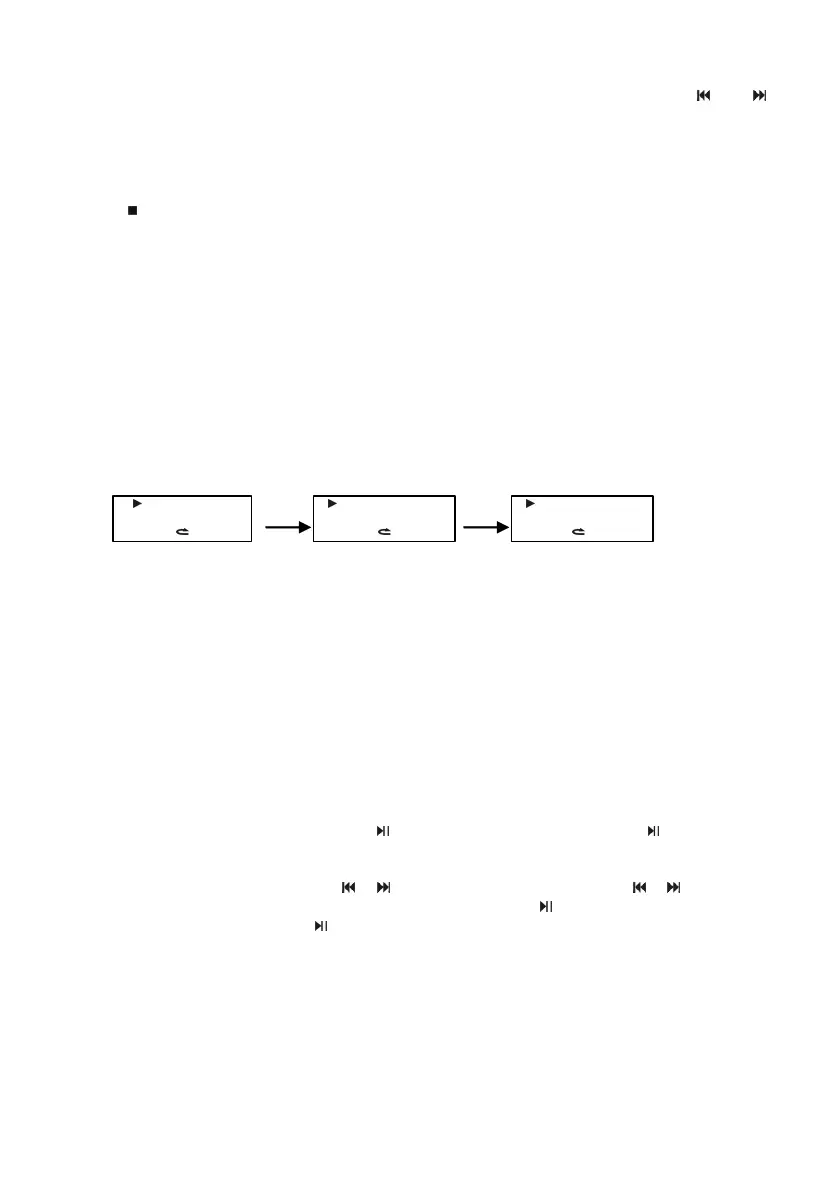
Press Repeat button when playing, can switch the functions: Repeat one 、 Repeat folder 、
Repeat all, there ’ s the corresponding display on the LCD.
Repeat one:
To
repeat the current track during play mode .
Repeat folder:
To
repeat the tracks in the current folder.
Repeat all:
To
repeat all the tracks.
Random
Random
Random
Random play
play
play
play
Press RANDOM button when playing, i n this mode the CD player will play tracks in a random
order.
Intro
Intro
Intro
Intro play
play
play
play
Press INTRO button when playing, i n this mode the CD player will play first 10 seconds of each
track on the CD, then stop playing .
Bluetooth
Bluetooth
Bluetooth
Bluetooth receiving
receiving
receiving
receiving function
function
function
function
This unit can connect to most of mobile phone via Bluetooth , It can play the stored audio file of
the mobile , r eceiving distance within 10 meters.
1. Press "INPUT" Button to select BLUE.
2. Turn on the Bluetooth mode of the mobile and search , our unit shows " MCD9600BT " , if need
to i nput matching code , the default code is “ 0000 ” ; after the success , o pen the stored files of
the mobile, and choose the Bluetooth play mode , It can play via the unit directly. ( The unit can
only receive the first search to the Bluetooth signal . ) If disconnected, the display will show
"NO" , then you need to long press the button on the front panel or BLUE- on the remote
control , y ou can connect again until the display shows " BLUE " . (Ensure the bluetooth mode
open)
3. When playing, you can press the / button s on the unit panel or the / buttons on
the remote control to choose the previous or next song, press button on the front panel can
play or pause, or press BLUE- button on the remote control can be played or paused .
7
CD
0 0 1 — 0 1 : 2 6
1
CD
0 0 1 — 0 1 : 2 6
FOLDER
CD
0 0 1 — 0 1 : 2 6
ALL















 To Next Page