RCD1185 / English Instruction Manual
2
BATTERY OPERATION
Disconnect the AC cord set completely. Open the battery compartment door and insert 4 pieces
UM-2 "C" size batteries into the battery compartment with battery polarity as shown inside the
battery compartment.
HEADPHONE
1. Insert the headphone cable (requires 3.5mm stereo plug, not supplied) into the headphone
jack on the unit.
2. Tune the desired volume level on the main unit.
RADIO
1. Set the FUNCTION switch to FM position.
2. Rotate the TUNING control to tune to your desired radio station.
3. Adjust the sound level by rotating the VOLUME control.
4. To turn off the radio, set the FUNCTION switch to OFF position.
For best reception, fully extend the FM Antenna to receive FM stations.
CD MODE
You can also play MP3 CDs with this unit. The functions are the same as with normal audio CDs.
1. Set the FUNCTION switch to the CD.MP3 position.
2. Insert the CD disc in the CD compartment and close the CD door, the unit will start reading
the disc, the LCD display will show the total number of tracks of the entire disc after reading.
For MP3 CDs, "MP3" appears on the display, showing the number of albums and then the
total number of tracks.
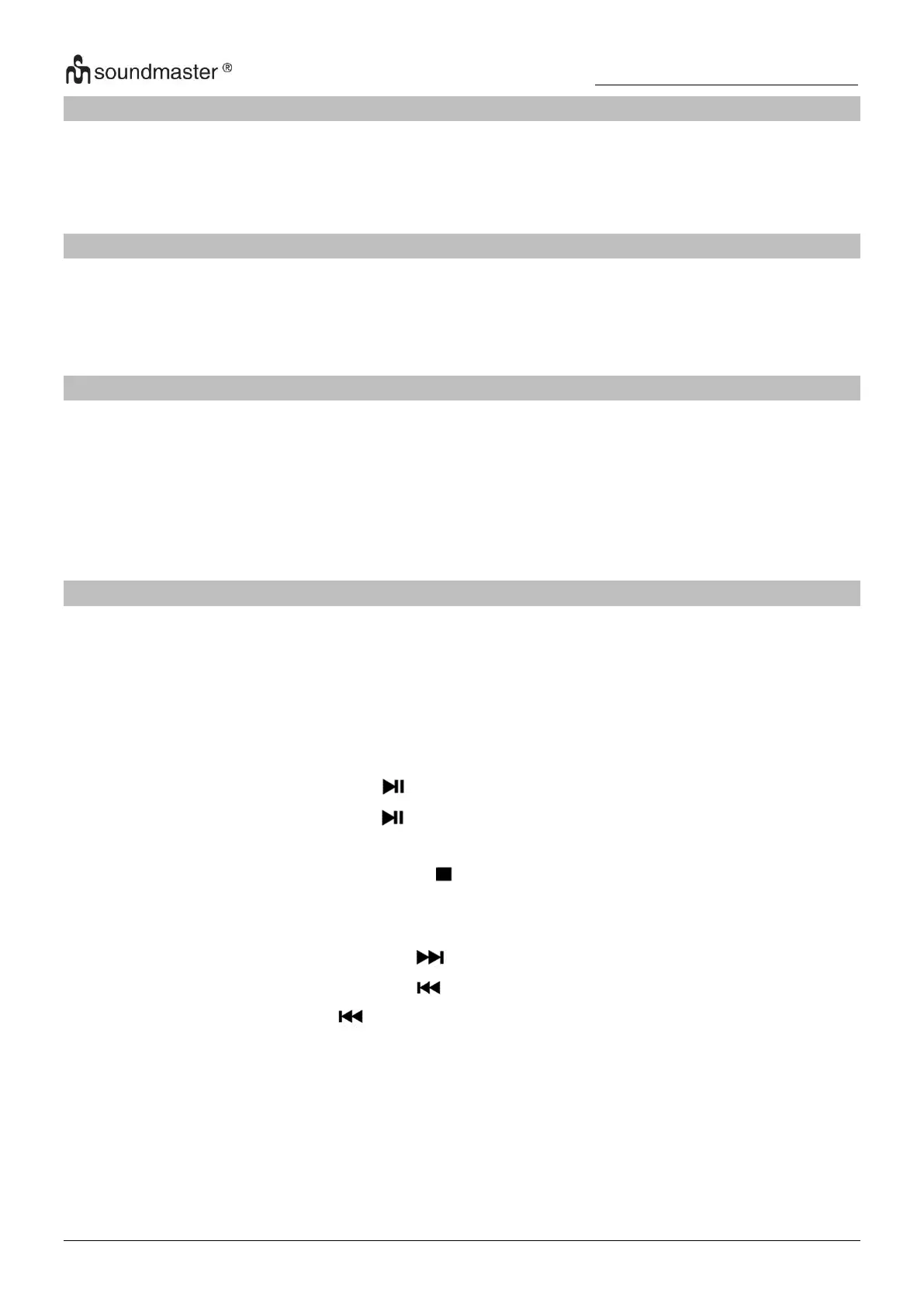
3. To start playing the CD, press the button.
4. To pause CD playback, press the button again.
5. Adjust the VOLUME Control to the desired volume level.
6. To stop playing the CD, press the STOP button.
Skip Mode
1. During play or pause mode, press the button to go to the next track.
2. During play or pause mode, press the button to go back to the beginning of the track.
3. During play mode, press the button twice will go back to the previous track.
4. For MP3-CD, press the PROG/+10 button to skip the track in 10 multiples.
Programming the CD Player
You can program with audio CDs 20 tracks or with MP3-CDs 99 tracks.
The programming of the CD player should be done during STOP mode.



 To Next Page