hZϮϭϲϬŶŐůŝƐŚŝŶƐƚƌƵĐƚŝŽŶŵĂŶƵĂů
E'ϳ
ID3/Display function (On remote control)
Press the “ ID3 “ button(18)repeatedly, the LCD display (13) show “ fileġȿduring playback of MP3 file, the song
file/album/song/artist name/clock time is being displayed few seconds in sequence . Then will change back to current clock time.
Remark:-
- In that case of no name or not supportive languages had been assigned for the track, LCD display will blank (13) when press
the ID3 button.
- No Title/Album name can be recognized if the input format on the Disc is not supporting by the system.
- The system support only English and Arabic number for ID3 function.
MP3 track format requirement:-
-
Bit rate : 32 kbps~320kbps, sampling rate : 32khz, 44.1khz and 48 kHz decodable
- The performance of playing MP3 Disc is various from the quality of recording disc and the method of recording. Furthermore,
the searching lead-time for MP3-CD is longer than normal CD due to difference format.
z Repeat/Random mode
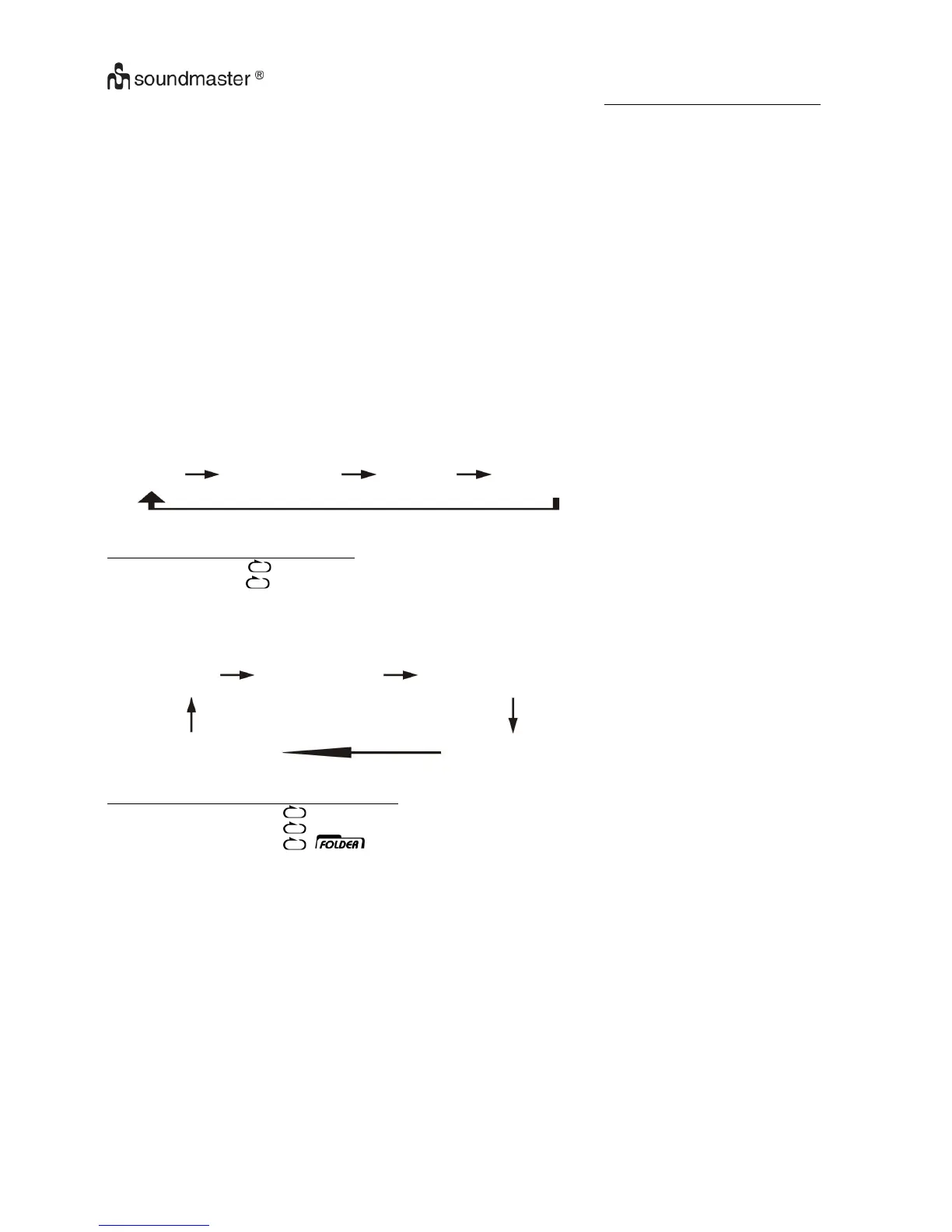
Press the “ Play Mode ” button (21) during playback to select repeat and random function, a single track, all the tracks repeat or
folder repeat(MP3 only) and random can be played in difference mode as follow:-
For CD
(1) repeat 1
(2) repeat all track (3) random (4) off mode
Indicator
Play mode on LCD display
Repeat track & flashing
Repeat all
Random RAN
Off mode --------------
For MP3 Disc
(1) repeat 1
(2) repeat all tracks (3) repeat 1 folder
(5) off mode (4) random
Indicator
Play mode on LCD display
Repeat single track & flashing
repeat all tracks
Repeat single folder
Random mode RAN
Off mode
z Repeat play
You can listen the desired track, folder(for MP3 only) or whole disc repeat by this function.
z Random play
You can listen all the tracks in a random order by this function.



 To Next Page