EasyManua.ls Logo

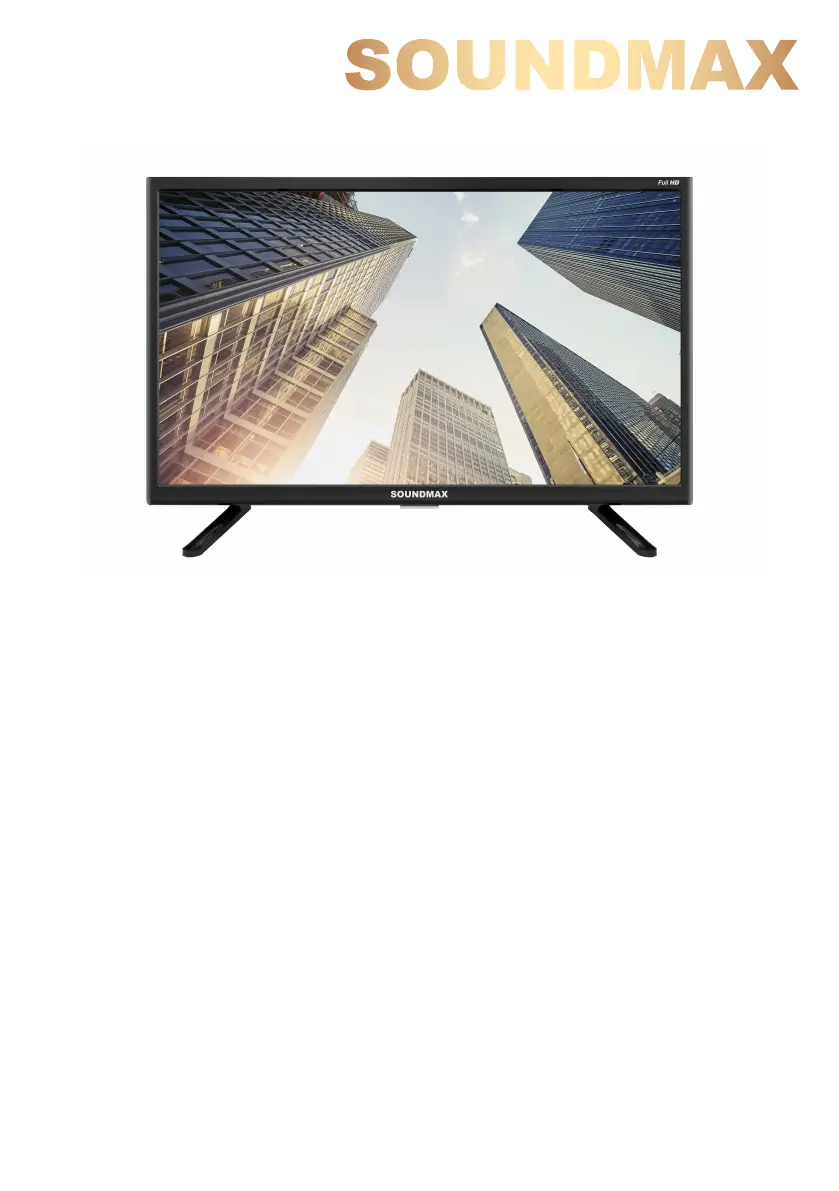
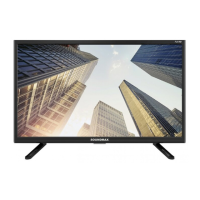
SoundMax SM-LED22M06 - User Manual

SoundMax SM-LED22M06
40 pages
Print Icon
To Next Page IconTo Next Page
Loading...
LED TV
Телевизор цветного изображения
c жидкокристаллическим экраном
SM-LED22M06
Instruction manual
Руководство по эксплуатации

Table of Contents

Questions and Answers

  • M
    Michelle ClarkAug 4, 2025
    Why is there no sound coming from my SoundMax LED TV?
    • M
      Melissa HallAug 4, 2025
      If there's no sound from your SoundMax LED TV, the cause might be that there is no audio signal or the signal cord is improperly connected. Ensure the audio signal cord is properly connected. Also, check and properly configure the sound system settings.
  • J
    Jacqueline HillAug 10, 2025
    What to do if my SoundMax LED TV picture and sound have abnormity?
    • L
      Lori WatersAug 11, 2025
      If the picture and sound on your SoundMax LED TV are abnormal, it may be due to improperly set contrast and color, or incorrect sound system settings. Adjust the contrast and color values appropriately. Also, ensure the sound system is properly configured.
  • T
    tleeAug 16, 2025
    Why is my SoundMax LED TV showing a blue background?
    • V
      Victoria BrownAug 16, 2025
      A blue background on your SoundMax LED TV usually indicates that there is no video signal or the signal cord is not properly connected. Ensure the signal cord is correctly and securely connected.
  • K
    Kevin GuzmanAug 22, 2025
    How to fix a SoundMax LED TV remote that isn't working?
    • J
      Jacob BatesAug 23, 2025
      If your SoundMax LED TV remote control (RC) isn't working, the batteries may be improperly installed or exhausted. Ensure the batteries are installed with the correct positive and negative polarities, reattach the battery lid, and try replacing the batteries.
  • D
    Diamond BanksAug 28, 2025
    Why is the picture on my SoundMax LED TV spotted or snowy?
    • M
      mchaseAug 28, 2025
      If the picture on your SoundMax LED TV appears spotted or snowy, it could be due to a low-grade signal source or a signal of lower quality. Try using a qualified signal cord to improve the signal quality.

Summary

Before you start

Important safeguards

Lists critical safety precautions for operation and handling the unit.

Installation

Provides instructions for setting up the TV base and wall mounting.

Connection

Details on connecting antennas and various input/output devices.

Operation

Remote controller (RC)

Identifies buttons and functions of the remote control.

Channel menu

How to tune, edit, and manage TV channels.

USB operation

Details on connecting, managing, and playing files from USB devices.

General Information

Troubleshooting

A table of common problems, their causes, and solutions.

SoundMax SM-LED22M06 Specifications

General IconGeneral
Screen Size22 inches
Display TypeLED
Aspect Ratio16:9
Brightness250 cd/m²
Contrast Ratio1000:1
Response Time5 ms
HDMI Ports1
USB Ports1
Audio Output2 x 3W
VGA Port1
Power Consumption30 W
Viewing Angle170° (H) / 160° (V)
Weight3.5 kg
Resolution1920 x 1080

Related product manuals