Calibration | 9
Calibration
Calibration is used to set the control output level when the ring is in
the middle of its range. Depending on your set up, it may be useful to
adjust the calibration to get the desired response.
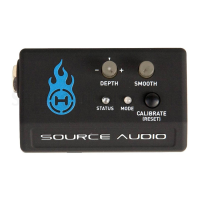
Set the angle of the ring to your desired midpoint and press the
CALIBRATE button (A). The MODE LED (B) will blink to indicate it has
received the new calibration setting. The calibration will be saved to
memory. The same calibration will be used the next time the receiver
is powered up.
A
B


 To Next Page