EasyManua.ls Logo

South bend SB1108 - User Manual

South bend SB1108
76 pages
Print Icon
To Next Page IconTo Next Page
Loading...
®
A Tradition of Excellence
South Bend Tools
Copyright © December, 2020 For Machines Mfd. Since 12/20
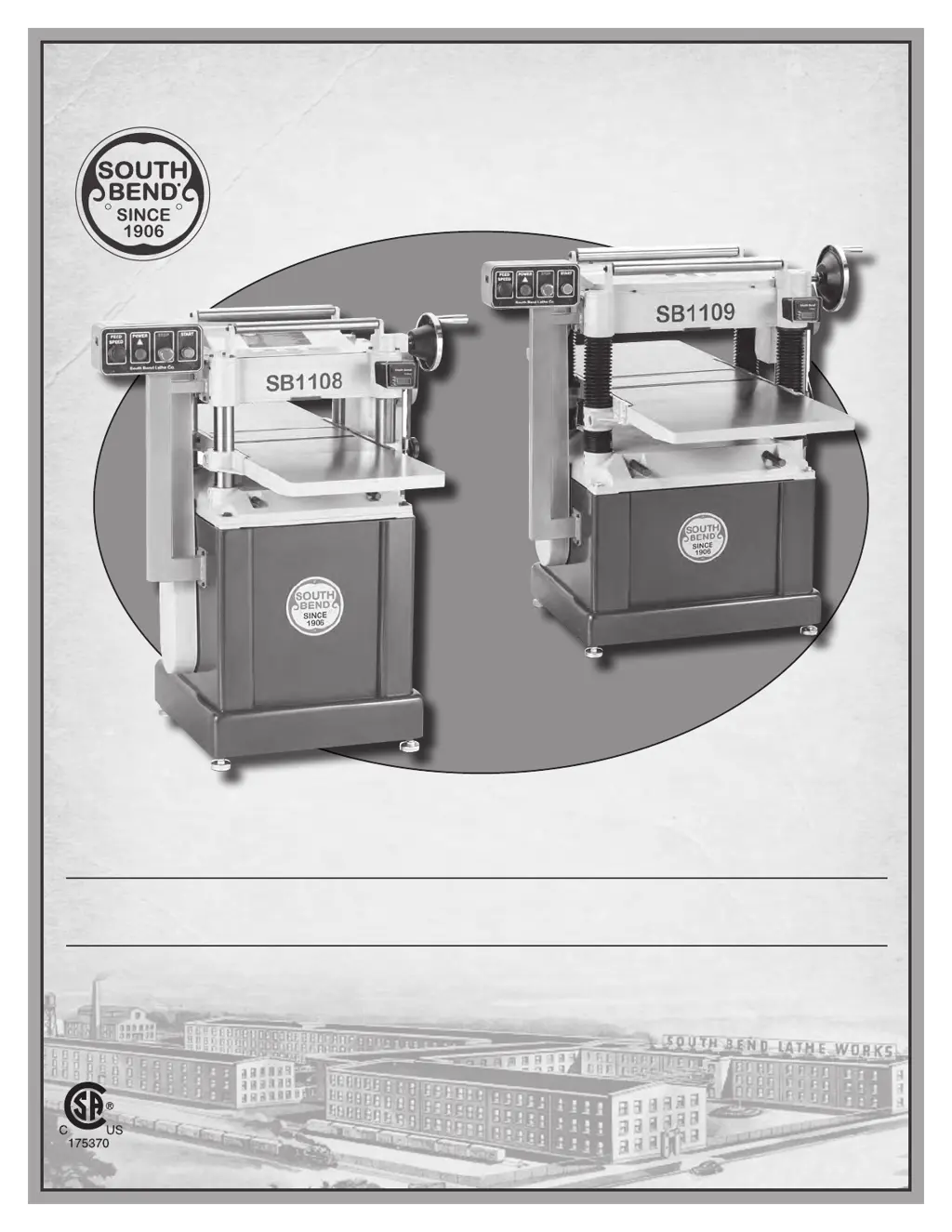
MODEL SB1108/SB1109
15" & 20" PLANER
w/HELICAL CUTTERHEAD
OWNER'S MANUAL

Table of Contents

Questions and Answers

  • A
    aguilarchristopherAug 26, 2025
    Why is the table on my South bend Planer hard to adjust?
    • A
      Amy IbarraAug 26, 2025
      If your South bend Planer table is hard to adjust, it's likely that the table locks are engaged or only partially loosened. Completely loosen the table locks.
  • D
    dthompsonAug 28, 2025
    Why does my South bend SB1108 stop mid-cut?
    • J
      Jenny DavisAug 28, 2025
      If your South bend Planer workpiece stops or slows down in the middle of a cut, it could be due to: * The depth of cut being too deep. Reduce the depth of cut. * Pitch and glue build-up on the planer components. Clean the planer components with a pitch/resin dissolving solvent. * One or both bed rollers being set too low. Raise the height of the bed rollers. * The chip breaker or pressure bar being set too low. Raise the height of the chip breaker or pressure bar. * The feed rollers being set too low or too high. Adjust the feed rollers to the correct height.
  • J
    Justin CollinsAug 30, 2025
    What causes snipe on my South bend SB1108?
    • G
      Gloria CarlsonAug 30, 2025
      Excessive snipe on your South bend Planer can be caused by: * One or both bed rollers being set too high. Lower the height of the bed rollers. * The rear extension table sloping down or not being level with the main table. Adjust the rear extension table set screws to make the extension table level with the main table. * The chip breaker, feed roller, or pressure bar being set too low. Adjust the height of the chip breaker, feed roller, or pressure bar. * The workpiece not being properly supported as it leaves the planer. Use an assistant or roller beds/stands to properly support the workpiece as it leaves the planer.
  • D
    Donald HarrisSep 1, 2025
    Why is my South bend Planer leaving a consistent chipping pattern?
    • M
      Mary CampbellSep 1, 2025
      A consistent chipping pattern on your South bend Planer can be attributed to: * Knots or conflicting grain direction in the workpiece. Inspect the workpiece for knots and grain direction; use only clean stock. * A nicked, chipped, or dull insert. Rotate or replace the insert. * A feed rate that's too fast. Reduce the feed rate. * A depth of cut that's too deep. Reduce the depth of cut. * Bed rollers set too high or low, or not even with each other. Properly adjust the bed roller height. * A misaligned chip breaker. Adjust both sides of the chip breaker to the correct height.
  • S
    shellyramseySep 4, 2025
    What causes fuzzy grain when using my South bend Planer?
    • T
      Theodore RoseSep 4, 2025
      Fuzzy grain on your South bend Planer can be caused by: * Workpiece having high moisture content or surface wetness. Allow the workpiece to dry if the moisture content is over 20% or has high surface wetness. * Dull inserts. Rotate or replace the inserts.
  • B
    Brian DavisSep 6, 2025
    Why is my South bend Planer leaving a glossy surface?
    • J
      Jill WalkerSep 6, 2025
      A glossy surface from your South bend Planer can result from: * Inserts being dull. Rotate or replace the inserts. * Feeding the workpiece too slowly. Increase the feed rate. * Cutting depth being too shallow. Increase the depth of cut.
  • R
    Rachel ColonSep 9, 2025
    Why is my South bend Planer leaving long lines?
    • L
      Lisa RaySep 9, 2025
      Long lines or ridges running the length of the workpiece from your South bend Planer are often due to nicked or chipped inserts. Rotate or replace the inserts.
  • D
    Desiree BryantSep 12, 2025
    Why is my South bend SB1108 Planer leaving uneven cutting marks?
    • A
      adamsmeganSep 12, 2025
      Uneven cutting marks, a wavy surface, or chatter marks on your South bend Planer can be caused by: * A feed rate that's too fast. Reduce the feed rate. * The chip breaker or pressure bar being set unevenly. Adjust the height of the chip breaker or pressure bar. * Bed rollers set too high or low, or not even with each other. Properly adjust the bed roller height. * Insert(s) not properly installed. Remove the insert(s), then properly clean and reinstall. * Worn cutterhead bearings. Replace the cutterhead bearings.
  • R
    Ryan LoganSep 13, 2025
    What causes inconsistent chip marks on my South bend SB1108 Planer?
    • R
      Rebecca BaileySep 13, 2025
      Inconsistent chip marks from your South bend Planer are often because chips are not being properly expelled from around the cutterhead. Use an adequate dust collection system and adjust the chip deflector in or out, depending on your setup.
  • T
    travispatelSep 15, 2025
    Why does my South bend SB1108 Planer workpiece twist?
    • H
      hgraySep 15, 2025
      If your South bend Planer workpiece twists in the machine, it could be due to: * A pressure bar set unevenly. Adjust the height of the pressure bar. * Bed rollers not parallel with the table. Adjust the bed roller height.

South bend SB1108 Specifications

General IconGeneral
BrandSouth bend
ModelSB1108
CategoryPlaner
LanguageEnglish