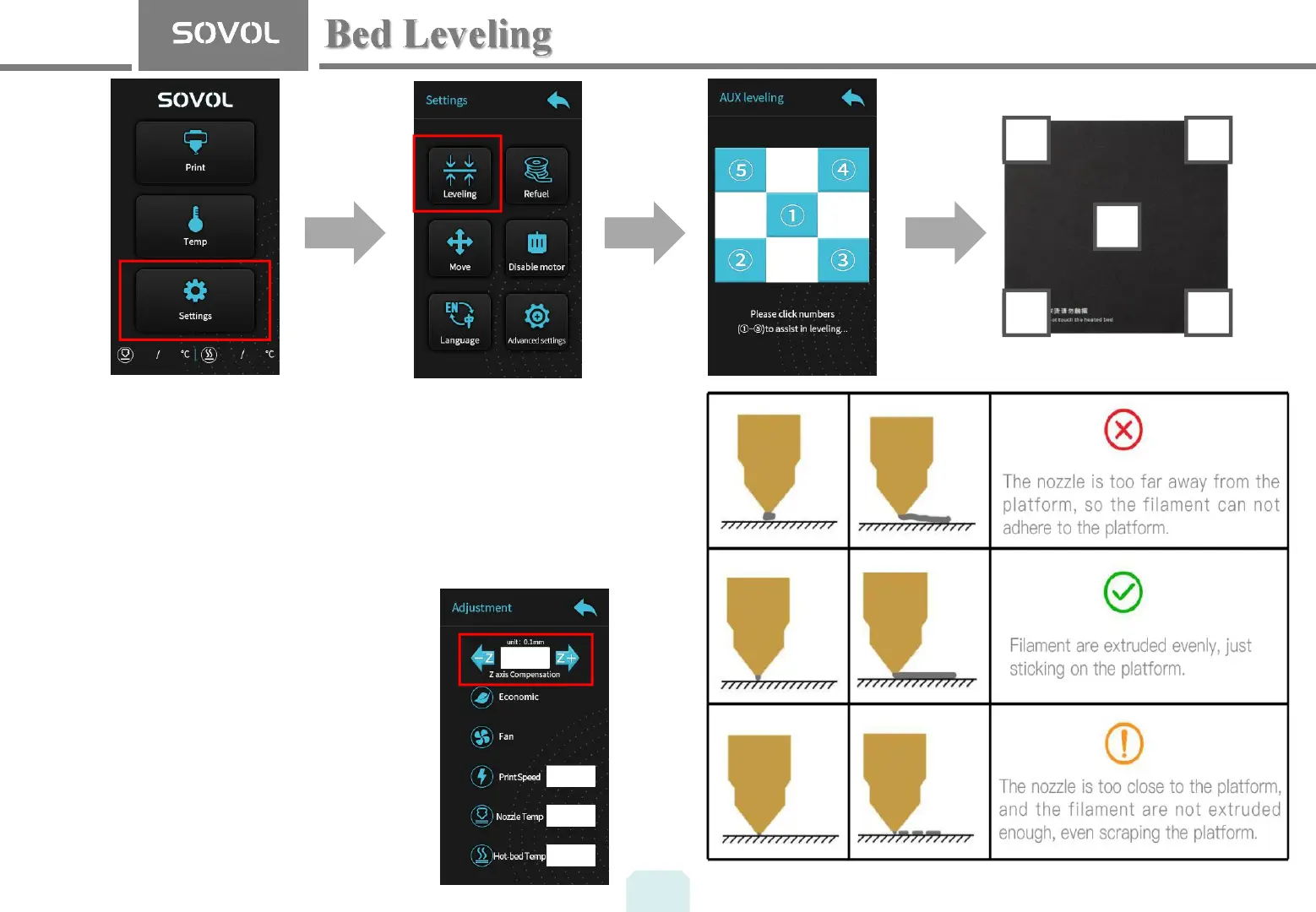
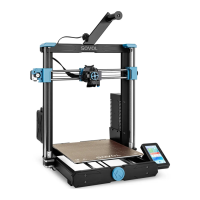
1. Tighten the four levelling nuts at the bottom of the platform before
initial levelling.
2. Select Settings→Levelling, click on the number ②
3. Adjust the platform height by turning the knob underneath. Use a piece
of A4 paper (standard printer paper) to assist with the adjustment,
making sure that the nozzle lightly scratches the paper.
4. Complete the adjustment of the screw on all 4 corners.
5. Click the number ① to test whether the middle gap of the platform is
suitable.
6. Repeat above steps 1-2 times if necessary.
7. Slight adjustments can be made while brim
or first layer is printing.
9
5
1
2 3
4
Pro Tip: If the hot bed is not perfectly level
and adjusted, the Z axis compensation
function can be used when printing the first
layer to get a perfect first layer.


 To Next Page