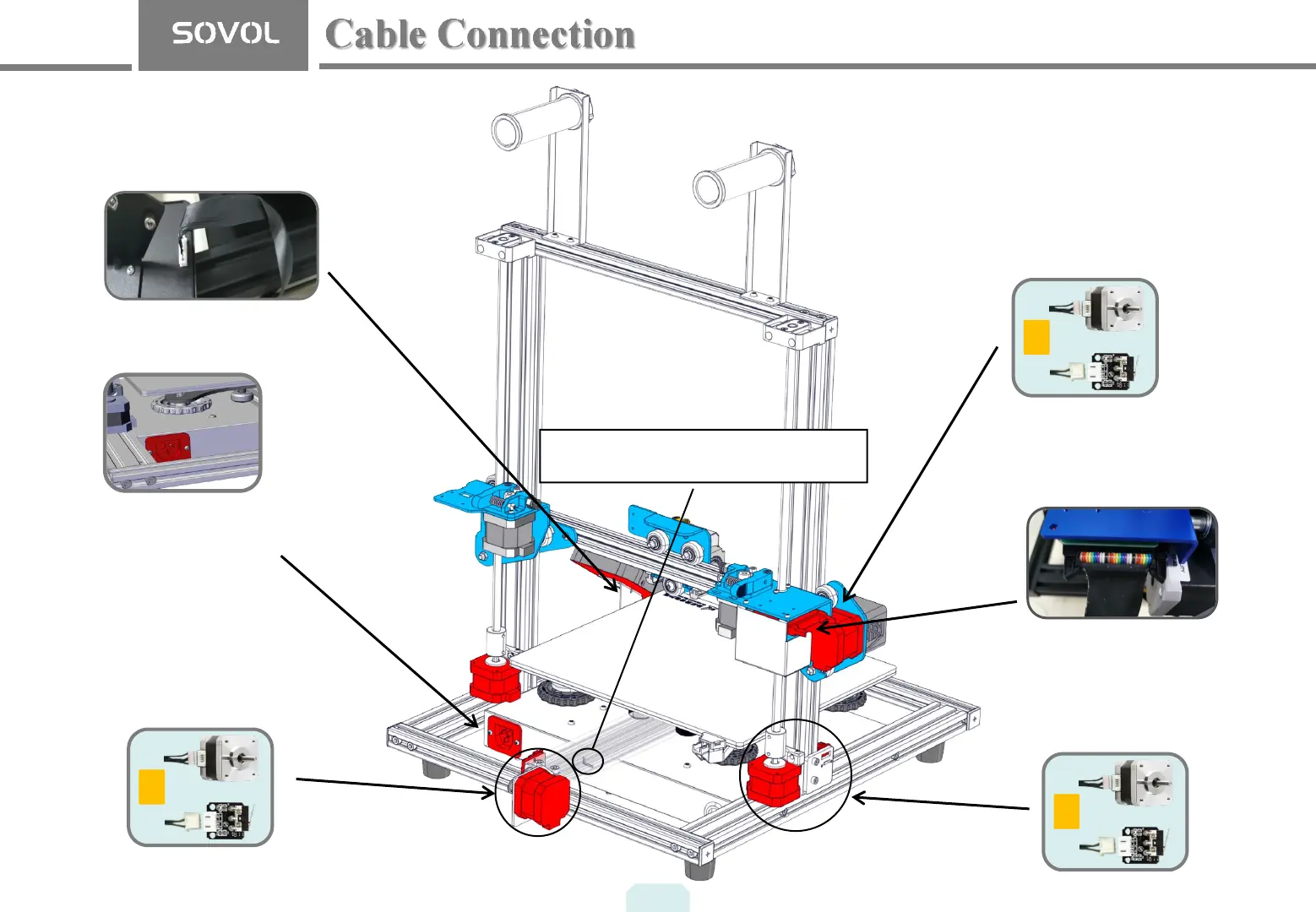
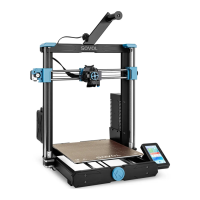
Y
X
Z
The Y cables go to the motor and
switch at the back of the base frame
that move the build plate.
The Z cables go to the motor and
switch on the left side of the base
frame that raise and lower the nozzle.
The X cable is connected to the
motor and running belt switch
Tip: Try not to bend the
pin connectors as you push
them in. Pay attention to the
working voltage of your
machine
*Plug the power cord into a
three-hole power jack.
6
Select the correct input voltage to match your
local mains (220V or 110V).
Ribbon Cable
Touch Screen Cable


 To Next Page