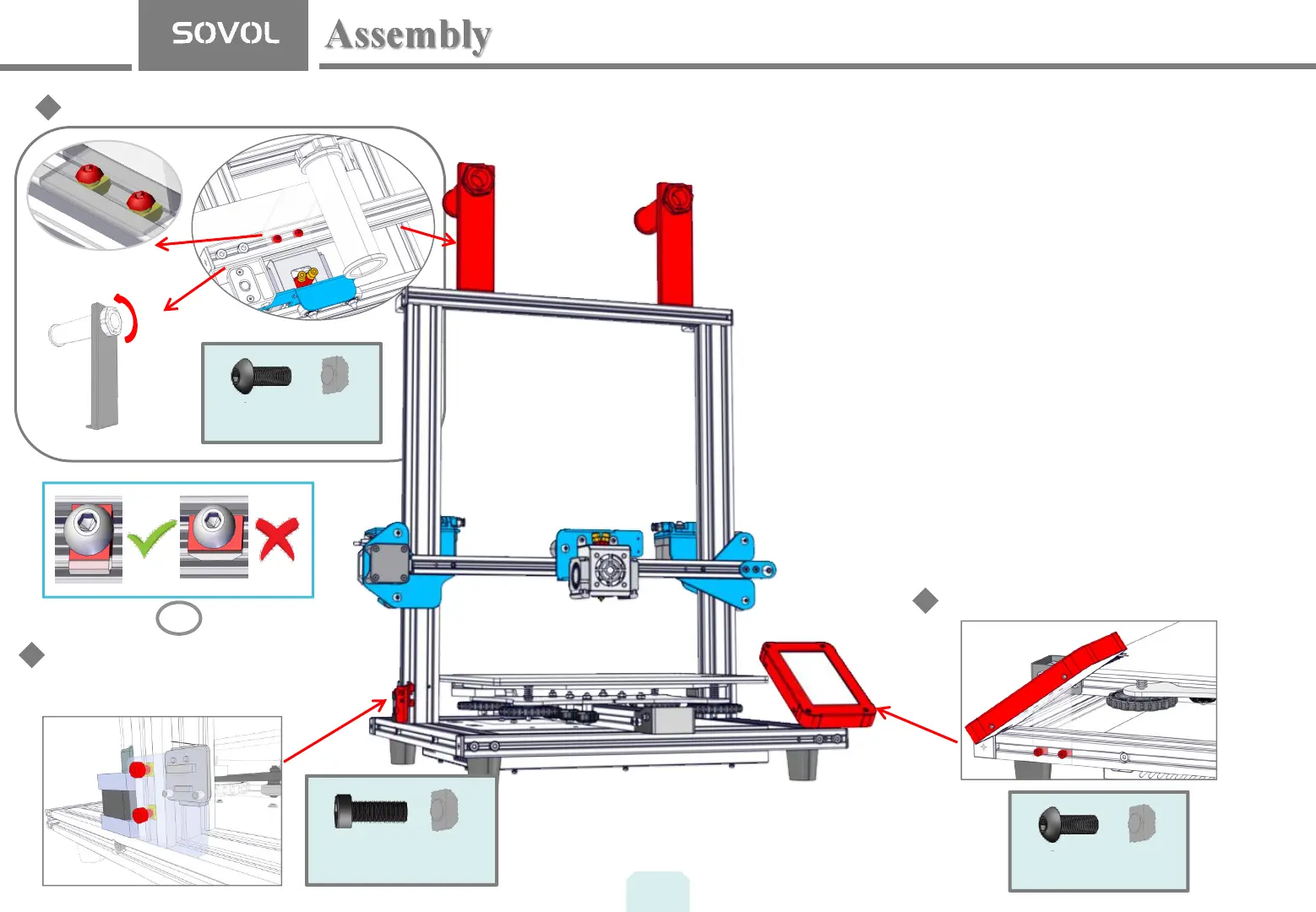
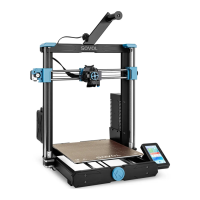
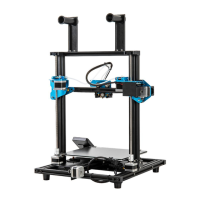
Filament Holder Installation
Z-axis limit plate installation
4pcs
M4 T-nut
M4X6
3. Installation of the filament spool holder.
a. Secure the filament holder using two M4*8 screws and
T-nuts. Loosen the t-nuts by hand and align them so
they will fit inside the grooves of the frame. It is
essential that the nuts are loose so that when you
tighten the screws, the nuts will rotate 90° and grab
onto the inside of the groove of the extrusion.
b. Align the round cylinder through the hole of the
filament plate. Turn the large nut to lock in place.
4. Installation of the Z-axis limit plate.
a. The Z-axis limit switch board is installed at the lower
left of the gantry, and the installation method is the
same as that of the filament bracket.
5. Touch Screen Display installation.
a. Attach the bracket to display with M3x4 screws (4)
b. Mount the touchscreen to the front right side of the
frame with M4x6 screws (2) and T-nuts (2).
C
2pcs
M4X10
M4 T-nut
5
Display screen Installation
2pcs
M4 T-nut
M4X6


 To Next Page