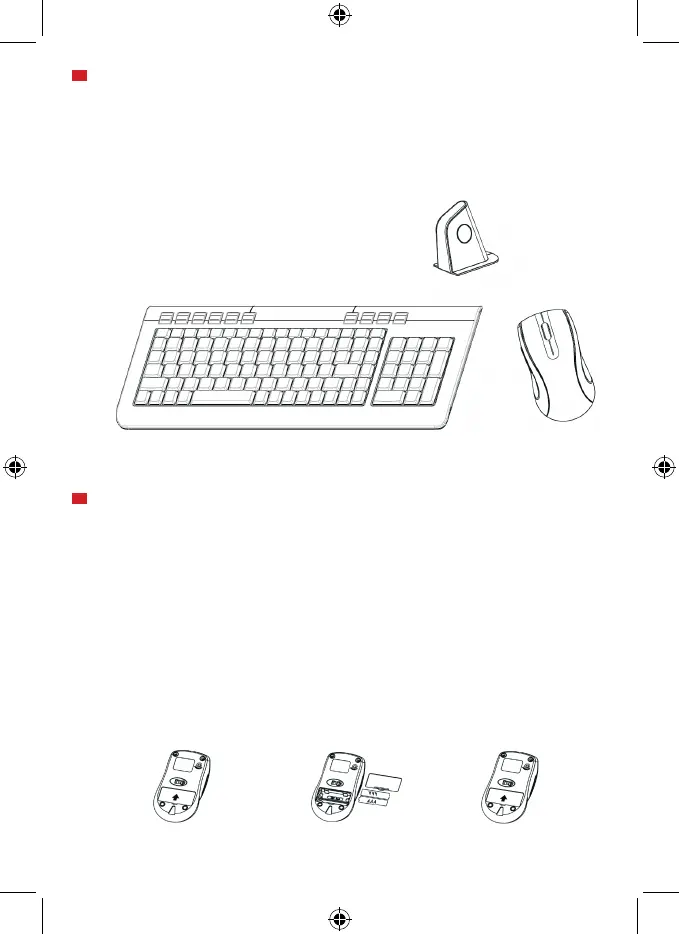
batteries.
instructions.
Step 1. Step 2. Step 3.
To install the batteries in the keyboard, please follow the follow these stops:
- Step 1. Open the battery compartment.
- Step 2. Insert the batteries caring on the polarity. For this, follow the figure
instructions.
- Step 3. Replace the cover.
MICE AND KEYBOARD INSTALLATION
If you have installed another keyboard driver on your computer, please uninstall it before proceed.
Windows 98 or higher is necessary for the correct product installation.
Please note that in order to install the webcam you need a free USB connector in your
computer.
Follow these steps to install the webcam:
1. Insert the provided drivers CD and select “Install Windows 98 Driver” or
“Install Windows NT Driver” depending on your operative sistem.
2. Click the “Next” button until start the driver installation.
3. Click “Finish” to close the installation wizard.
4. Connect the receiver to a free USB connector. The operating system will detect
it and it will be ready to pair the keyboard and mouse.
USB port
USB receiver



 To Next Page