PAIR DEVICES &/OR CHANGE THE SECURITY ID
Your RF mouse and keyboard come with 1 channel and multi-security ID, which can let
your mini receiver be paired to the mouse & keyboard.
This system keep, just by pressing a button, the right devices working in case of non-
function.
If this happen, follow the 1), 2) & 3) steps to pair the devices.
Also is necessary to do that when batteries are replaced.
To pair wireless keyboard with receiver follow these steps:
1) Press the connect button on the bottom side of keyboard.
2) Press the connect button on the
receiver.
3) Press the connect button on the bottom side of keyboard.
1) 2) 3)
To pair wireless keyboard with receiver follow these steps:
1) Press the connect button on the bottom side of mouse.
2) Press the connect button on the receiver.
3) Press the connect button on the bottom side of mouse.
1) 2) 3)
Receiver indicators:
When install the software in computer, will appear both mouse and keyboard icons in
the taskbar (by default, down and right side of Windows screen).
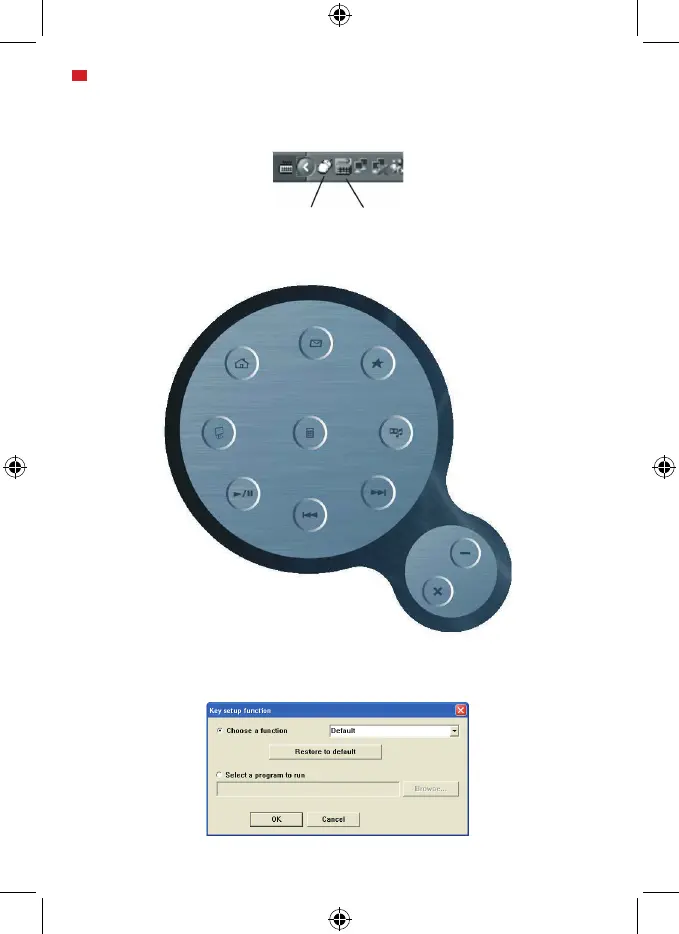
With this menu, you can configure the action of each keyboard hotkey.
By opening each keyboard hotkey from the menu, will appear the following Window:


 To Next Page
 Loading...