18
5. BATTERY INSTALLATION
Wireless keyboard use two AAA alkaline batteries and mouse
use two AAA Alkaline batteries.
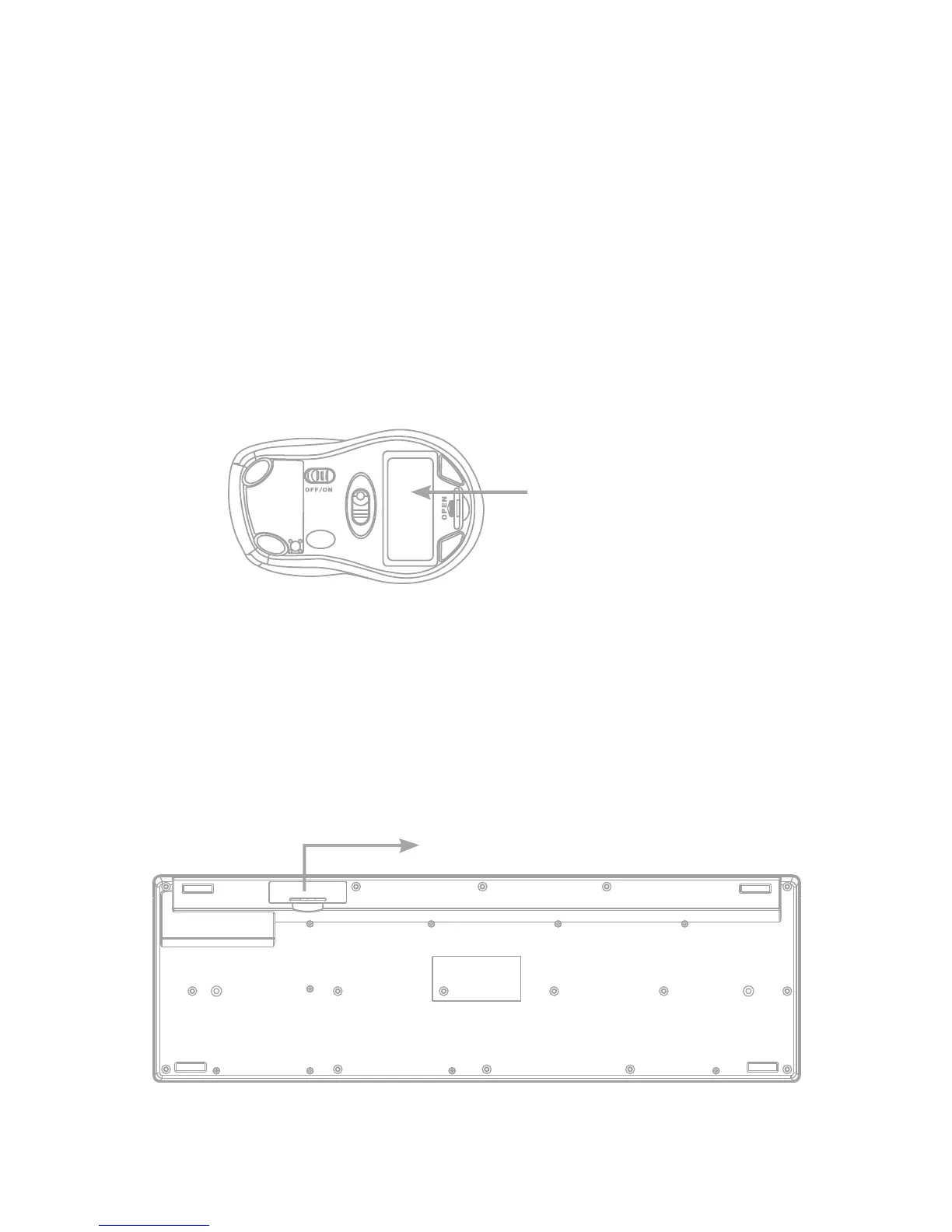
To install the batteries in the Mouse, please follow these steps:
≥ Step 1. Open the battery compartment.
≥ Step 2. Insert the batteries caring on the polarity.
For this, follow the figure instructions.
≥ Step 3. Replace the cover.
To install the batteries in the keyboard, please follow these
steps:
≥ Step 1. Open the battery compartment.
≥ Step 2. Insert the batteries caring on the polarity.
For this, follow the figure instructions.
≥ Step 3. Replace the cover.
Battery
compartment
Battery compartment



 To Next Page