15
5. KEYBOARD INSTALLATION
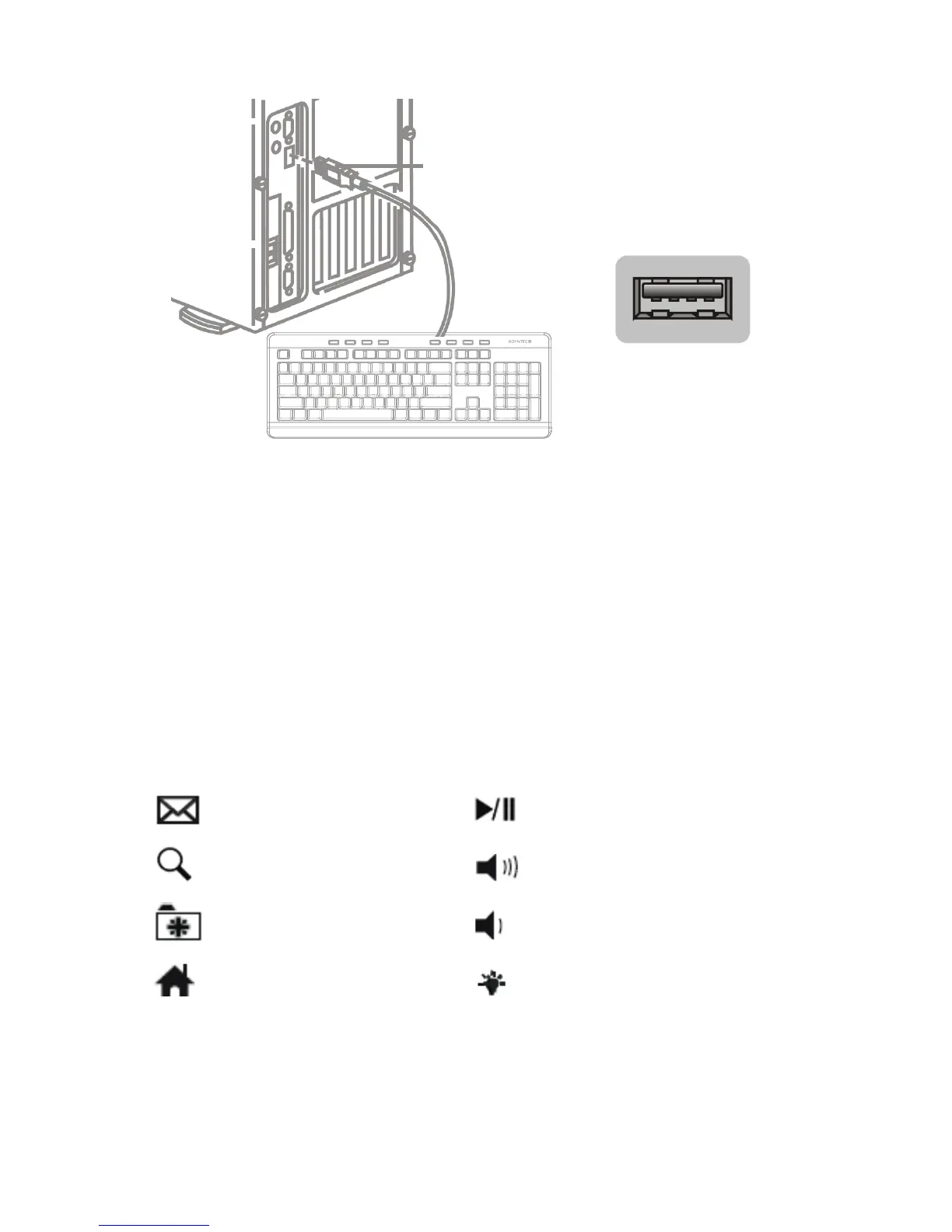
Please note that in order to install the keyboard you need a free
USB connector in your computer.
Connect the USB connector to a free port of your computer like
the pictures show. The operating system will detect it and it will
be ready to use.
6. SPECIAL KEY AND HOT KEYS INDICATION
E-mail
Search
My favorites
Internet
Play / Pause
Volume up
Volume down
Activate / Deactivate LED
backlight, change color
of LED backlight.



 To Next Page