IX. Operation
Power
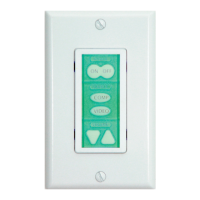
Power buttons control power on the projector or monitor. The PixiePlus is always
on, and its LED backlit buttons remain continually illuminated, unless the Security
Keylock is active.
Source
Source button inserts control input selection on the projector or monitor.
Volume
If the PixiePlus is not used to control volume, a blank button insert may be used.
20
Control
Blank
Toggling
Discrete
(4-Button)
Discrete
(2-Button)
Toggling
Discrete


 To Next Page