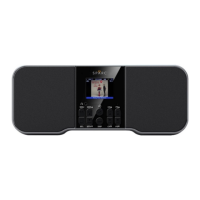
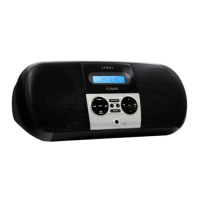
DESCRIPTIONS OF THE CONTROLS (TOP VIEW)
Press and hold to power on/off
Press once to dim LCD backlight
Press once to switch between audio sources
(Radio, Bluetooth, and AUX In)
Press and hold to display MENU
Press to go to the next higher preset
station number in the preset memory list
Pair Bluetooth device with this radio
To save preset station to Memory
Press to go to the next lower preset
station number in the preset memory list
Press and hold to activate Alarm 2
Press once to review Alarm 2 settings
While alarm is sounding, press once to
Snooze for five minutes
While in Radio or Bluetooth mode, press
twice to turn on Sleep mode for 60 minutes
Press and hold to activate Alarm 1
Press once to review Alarm 1 settings
Excellent choice!
Your purchase of the new SPARC
SHD-BT1 reflects your desire to
experience all the great benefits of
HD Radio Technology!
Explore more.
Visit SPARCradio.com
Learn more.
Visit HDRadio.com
Program Info)
Program Info provides song name,
artist, station ID, and other relevant
data.
HD2/HD3)
Adjacent to traditional main stations
are HD2/HD3 Channels, providing
new original formats on the FM dial.
Digital Sound)
HD Radio broadcasts deliver crystal
clear, CD-like digital audio quality.
From coast to coast and around the
world, broadcasters are upgrading
their FM signals from analog to
digital HD Radio Technology.
Find local HD Radio stations on
Bluetooth Alarm Clock FM Radio
Explore the features and familiarize yourself with the controls.
FM antenna connection (jack)

 Need help?

 To Next Page
 General