Troubleshooting
LED Remains Dark or Shows Incorrect Color
With the four pins of the LED so close together, it’s sometimes easy to misplace one. Double check
that each pin is where it should be.
Seeing Red
The red diode within the RGB LED may be a bit brighter than the other two. To make your colors
more balanced, use a higher ohm resistor.
Experiment 5: Reading an SPDT Switch
Introduction
In this experiment you will use your first digital input: a switch. The SPDT (Single-Pole, Double-
Throw) switch is a simple way to select between two options, especially when paired with an if state.
You will use that switch to select which of the two LEDs will blink.
Parts Needed
You will need the following parts:
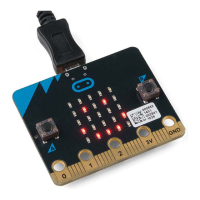
1x micro:bit
1x Micro B USB Cable
1x micro:bit Breakout (with Headers)
1x Breadboard
8x Jumper Wires
1x SPDT Switch
2x LED (1 Red, 1 Yellow)
2x 100Ω Resistors


 To Next Page