Once you select the TMP36 package there should be a TMP36 code block drawer to select from in
your blocks menu.
This drawer has only one block in it and that is a block that returns the temperature from a TMP36
sensor connected to a specific pin in fahrenheit or celcius.
Show Number
The
ShowNumber
block accepts a number value and then displays it on the LED array. That’s it!
Pretty simple. If the number is longer than a single digit, it will automatically scroll the value for you.
Get Temperature on Pin
The only block in the TMP36 package is the
GetTemperatureonPin
block. This block does all of the
hard math for you to get an accurate temperature from the TMP36 sensor. You select the pin the
sensor is connected to and what unit of measure you would prefer (fahrenheit or celcius). If you
want, you can also get the raw 10 bit value as well (0-1023).
What You Should See
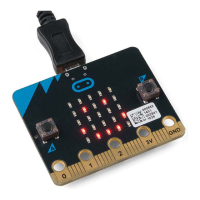
When your micro:bit turns on, the temperature reading from the TMP36 temperature sensor will be
displayed and scrolled across the LED array.


 To Next Page
 Loading...