Code to Note
Let’s take a look at the code blocks in this experiment.
If you are having a hard time viewing this code, click on the image above to get a better look!
Compass Heading
The
compassheading
block returns the heading that you are facing if you are holding the micro:bit flat
with the pins toward you. Zero degrees is north. We store this heading in a variable called
item
.
And
Much of the rest of this code is straightforward, but the logical
and
block is used. This combines two
logical statements into one statement that returns true when both of the other statements are true
and only true.
What You Should See
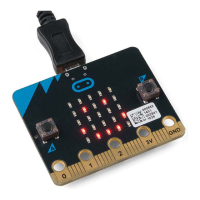
When your code is loaded you will first see instructions on the micro:bit LED array. The instructions
will ask you to draw a circle, move the micro:bit around until all of the part of the circle have been
added and it displays a smiley face. This process is to calibrate the micro:bit’s magnetometer with its
surroundings. The LEDs will start to turn on — one or the other, or both. While standing still, rotate in
the direction of the LED that is on. When both LEDs are lit, you are facing generally north (if you are
outside)! You now have a compass that helps you find north, or any other direction you choose if you
change the code!


 To Next Page
 Loading...