The board definitions and tools for the ESP8266 Thing include a whole new set of gcc, g++,
and other reasonably large, compiled binaries, so it may take a few minutes to download and
install (the archived file is ~110MB). Once the installation has completed, an Arduino-blue
“INSTALLED” will appear next to the entry.
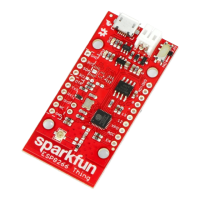
Selecting the ESP8266 Thing Board
With the Board addon installed, all that’s left to do is select “ESP8266 Thing” from
the Tools > Boards menu.


 To Next Page
