Having a hard time seeing? Click the image for a closer look.
Search for "ESP32", and you should find the SparkFun ESP32 Boards board package. Make sure the latest
version is selected and click Install.
Having a hard time seeing? Click the image for a closer look.
Once the board definitions have been installed, you should see the SparkFun ESP32 MicroMod Board under
your Tools -> Board -> SparkFun ESP32 Arduino menu.
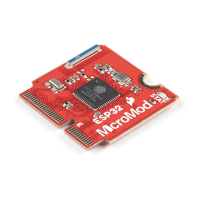
Voila! You're ready to rock your ESP32 MicroMod Processor Board!
Arduino Example: Blink
With the SparkFun ESP32 Arduino core installed, you're ready to begin programming. Make sure you have the
ESP32 MicroMod board definition selected under your Tools > Board menu.


 To Next Page
