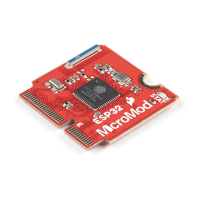
Software Setup and Programming
Note: All of the examples in this tutorial assume you are using the latest version of the Arduino IDE on your
desktop. If this is your first time using Arduino, please review our tutorial on installing the Arduino IDE. If you
have not previously installed an Arduino library, please check out our installation guide.
To get started with the MicroMod ESP32 Processor Board, you'll need to install the ESP32 Board Definition. Open
the Arduino IDE (must be v1.8.13 or later) and navigate to File->Preferences, like so:
Having a hard time seeing? Click the image for a closer look.
In the "Additional Board Manager URL" box, make sure you have the following json file included. If you do not
have it, add it to your preferences.
If you have more than one json file, you can click on the button outlined in red and add the json link at the end. It'll
look something like the following:
Having a hard time seeing? Click the image for a closer look.
Once you've got your preferences updated, go to Tools -> Board and select the Boards Manager like so:


 To Next Page
 Loading...