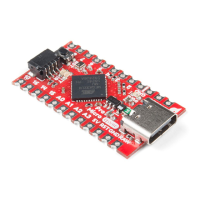
That covers about half of USB HID library. How about we add a mouse to the mix now? Implementing a USB HID
mouse requires a few more functions, but it's still crazy simple. There are five functions provided by Arduino's HID
class that can be used to implement a mouse:
Mouse.move(x, y, wheel) tells the computer to move the mouse a certain number of pixels along either the
x, y and/or wheel axis. Each variable can be any value between -128 and +127 , with negative numbers
moving the cursor down/left, positive numbers move the right/up.
Mouse.press(b) sends a down-click on a button or buttons. The button(s) will remain "pressed" until you
call Mouse.release(b) . The b variable is a single byte, each bit of which represents a different button. You
can set it equal to any of the following, or OR (|) them together to click multiple buttons at once:
MOUSE_LEFT - Left mouse button
MOUSE_RIGHT - Right mouse button
MOUSE_MIDDLE - Middle mouse button
MOUSE_ALL - All three mouse buttons
Mouse.click(b) sends a down-click (press) followed immediately by an up-click (release) on button(s) b .
For example, to click the left and right buttons simultaneously, try this:


 To Next Page
 Loading...