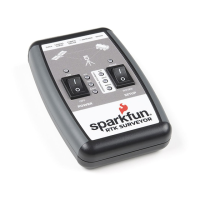
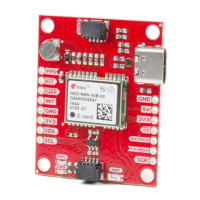
The SparkFun RTK Surveyor has a variety of connectors
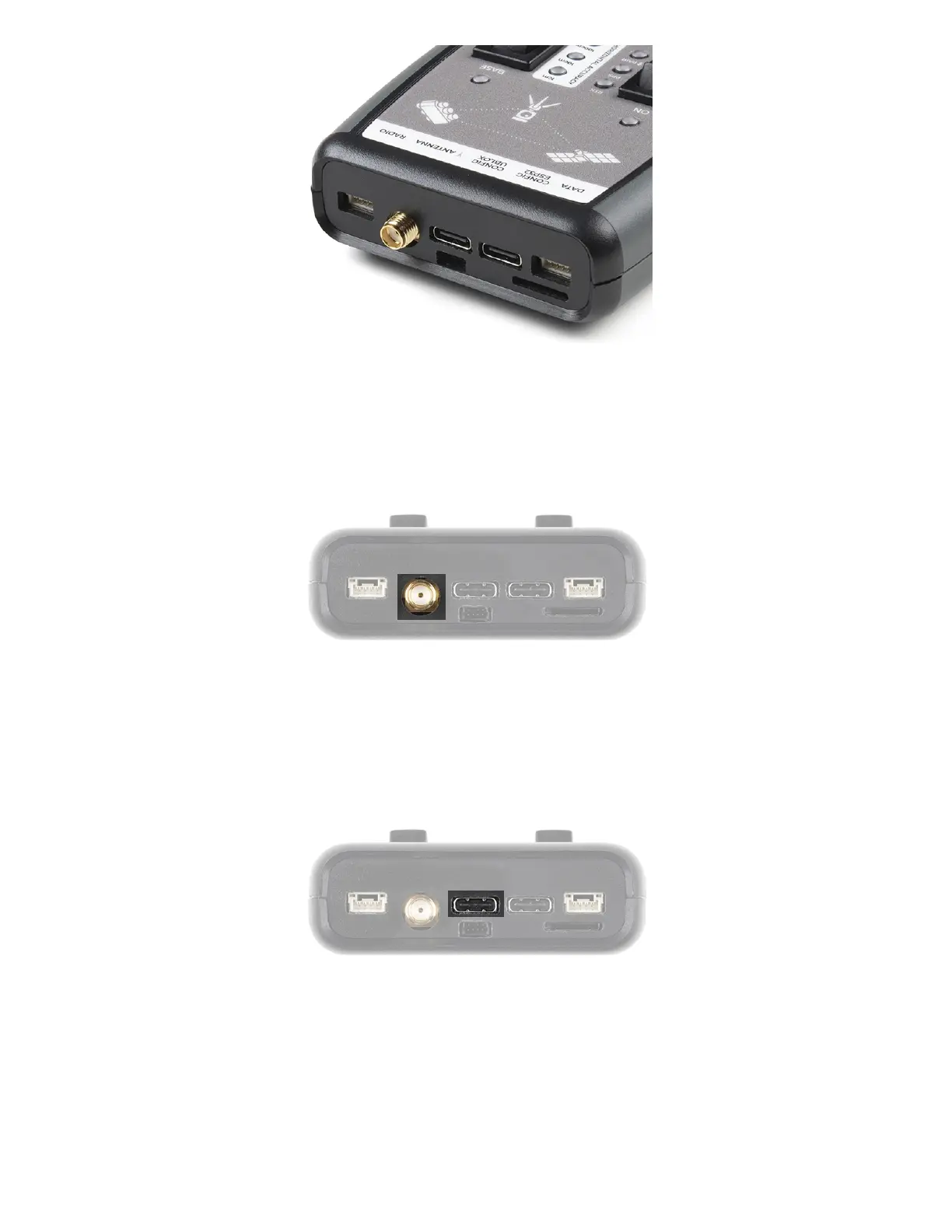
Antenna:
This SMA connector is used to connect an L1/L2 type GNSS antenna to the RTK Surveyor. Please realize that a
standard GPS antenna does not receive the L2 band signals and will greatly impede the performance of the RTK
Surveyor (RTK fixes are nearly impossible). Be sure to use a proper L1/L2 antenna.
Configure u-blox:
This USB C connector is used for charging the device and/or directly configuring and inspecting the ZED-F9P
GNSS receiver using u-center. It’s not necessary in normal operation but is handy for tailoring the receiver to
specific applications. As an added perk, the ZED-F9P can be detected automatically by some mobile phones and
tablets. If desired, the receiver can be directly connected to a compatible phone or tablet removing the need for a
Bluetooth connection.
USB Configure ESP32:
This USB C connector is used for charging the device, configuring the device, and reprogramming the ESP32.
Various debug messages are printed to this port at 115200bps and a serial menu can be opened to configure
advanced settings.


 To Next Page
 Loading...