20
USING THE DEVICE
SWITCH ON/OFF
To switch on the device, keep pressed
the screen during few seconds until it
switches on.
To switch off the device, go to options
menu: , nd and keep pressed the
symbol.
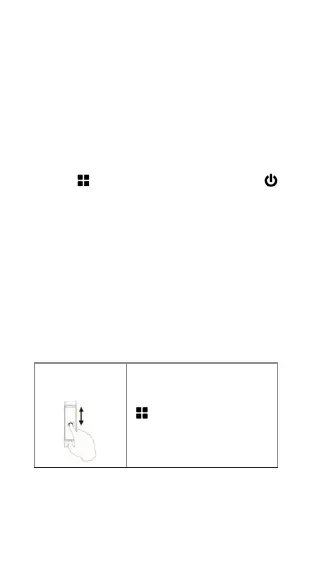
BROWSING IN THE MENUS
From the main screen with the clock/date
slide or tap with your nger to browse
in the different functions and menus
(vertical and horizontal menus), as it
follows:
Slide up/down
Go to the “Functions” menu
.
Go back to the main menu.



 To Previous Page