43
EN
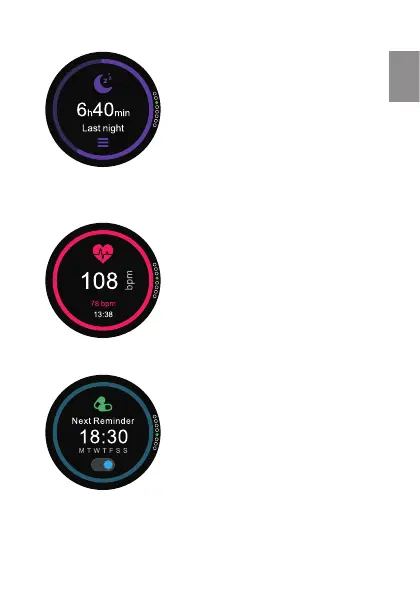
Shows the sleep information of
the last night. From this screen
you can see the information
in detail. Pressing in the three
horizontal rods you will be able
to set the sleep mode, setting the
endingandnishingtime,and
turning it OFF/ON
Shows your last cardio
information taken. If you wish
to make another capture press
on the center of the screen. Few
seconds later the watch will show
your current pulse.
Shows the next reminders. You
can turn them ON/OFF. Set the
reminders in Smartee app.


 To Next Page