50
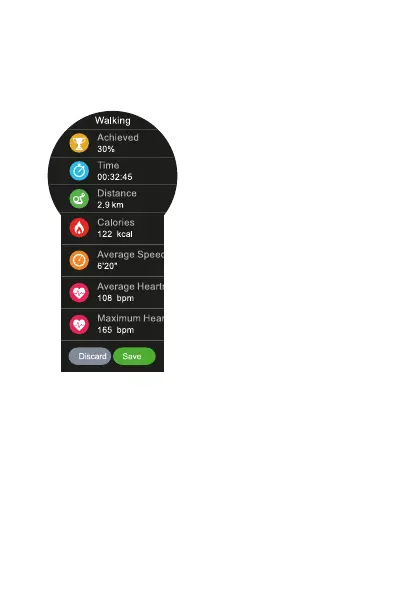
Whenyounishthesport,youwillseealltheparameters
captured with the watch. You can choose between saving
this activity or removing it from the Smartwatch.
If you decide to save it,
you can see this info in
the Smartphone thanks
to Smartee app and in the
Smartwatch in the History,
listed on the sport list.
SHORTCUTS
IntheverticalmenuoftheSmartphone, youwillndthe
shortcuts to all the rest functions of the watch. Some
of these functions are available only if you have the
Smartwatch connected to your Smartphone.


 To Next Page