EasyManua.ls Logo

Spear & Jackson SDS2810 - User Manual

Spear & Jackson SDS2810
19 pages
Print Icon
To Next Page IconTo Next Page
Loading...
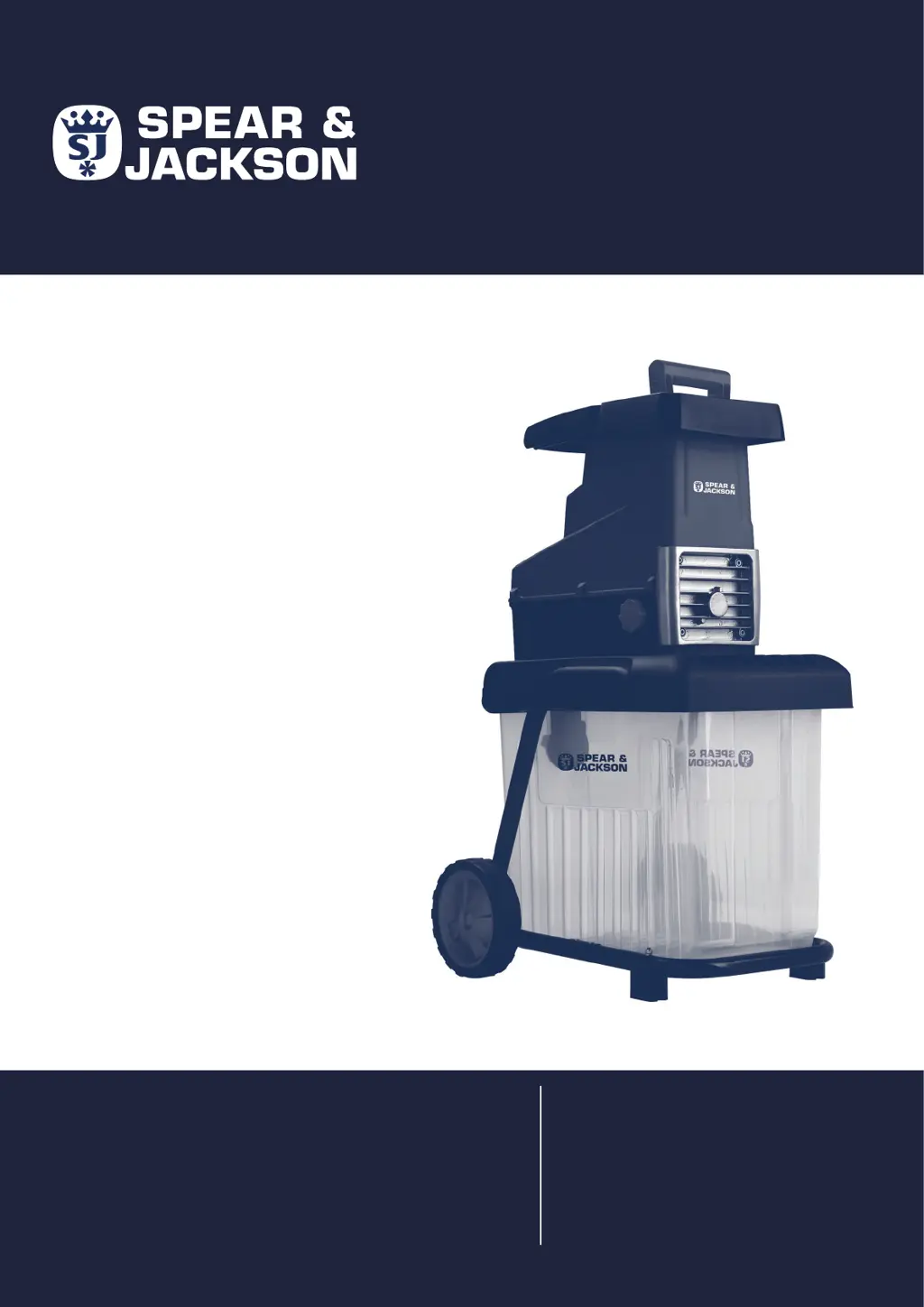
SDS2810
ORIGINAL
INSTRUCTION
MANUAL
Important - Please read these instructions
fully before starting assembly
AFTER SALES SUPPORT
0345 605 2068
These instructions contain important information that will help
you get the best from your shredder, ensuring it is assembled
correctly and safely. If you need help or have damaged or
missing parts, call the Customer Helpline on 0345 605 2068
ELECTRIC
QUIET
SHREDDER

Questions and Answers

  • L
    Lee GuerraAug 3, 2025
    Why won't the motor start on my Spear & Jackson SDS2810 Paper Shredder?
    • M
      Michael HubbardAug 3, 2025
      If the motor of your Spear & Jackson Paper Shredder won't start, there are a few potential reasons: 1. **Collection Box:** Ensure the collection box is correctly fitted and pushed firmly into position. Also, make sure the safety switch on the box is in the ON position. 2. **Overload Protection:** Turn the operating mode selection switch to the “OFF” position, then press the reset switch and switch the device back on. 3. **Power Supply:** Check the socket, cable, lead, plug, and fuse for any damage. If you find damage, have it repaired by qualified personnel.
  • J
    joshuahollowayAug 14, 2025
    What to do if the motor of my Spear & Jackson SDS2810 starts and stops immediately?
    • M
      Michelle LopezAug 14, 2025
      If your Spear & Jackson Paper Shredder's motor starts and stops immediately, it could be due to: * **Cylinder Reversal:** The cylinder might be running in reverse. Try changing the rotational direction using the switch. * **Material Softness:** The shredding material might be too soft. Insert wood or dried branches to provide more rigidity. * **Blade Jam:** The shredder blade might be jammed. You'll need to clear the jam.
  • A
    Amber KingAug 25, 2025
    How to fix my Spear & Jackson Paper Shredder when shredding material comes out in chains?
    • A
      Alexander FloresAug 25, 2025
      If the shredding material comes out in chains from your Spear & Jackson Paper Shredder, it's likely that the pressure plate is incorrectly adjusted. You will need to readjust the pressure plate.

Summary

Safety Information

General Safety

Provides essential safety guidelines for operating the shredder.

Electrical Safety

Outlines precautions to prevent electric shock hazards.

Personal Safety

Details personal protective measures and safe operating practices.

Operational Safety

Covers safe practices during the shredder's operation.

Assemble

Prepare

Operate

Freeing Jams

Procedure for clearing blockages or jams in the shredder.

Maintenance

Troubleshooting

Spear & Jackson SDS2810 Specifications

General IconGeneral
BrandSpear & Jackson
ModelSDS2810
CategoryPaper Shredder
LanguageEnglish

Related product manuals