EasyManua.ls Logo

Speco N8NXL - User Manual

Speco N8NXL
137 pages
Print Icon
To Next Page IconTo Next Page
Loading...
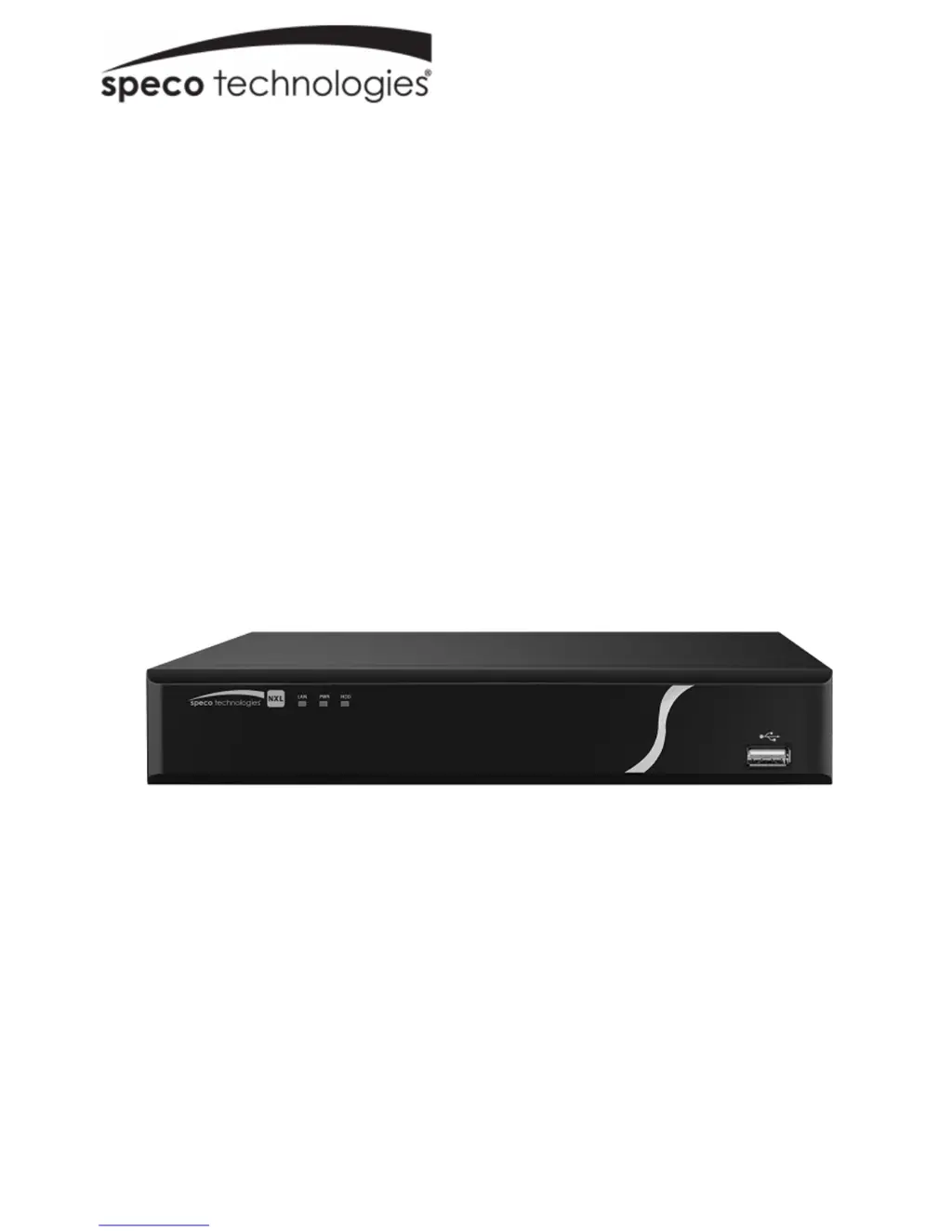
NXL NVR
User Manual
V1.0

Table of Contents

Questions and Answers

  • D
    Darlene WagnerAug 18, 2025
    Why is there no video when connected remotely to my Speco N8NXL?
    • J
      Jennifer GarciaAug 18, 2025
      If you're experiencing no video when connected remotely to your Speco DVR, it could be due to: * Poor network bandwidth. Check your network settings. * Remote bandwidth reaching its maximum. Check for all connected users. * The remote user lacking viewing authorization. The administrator needs to grant this authority in Setup.
  • M
    Ms. Jamie RoseAug 20, 2025
    Why does my Speco DVR automatically shut down?
    • A
      Aaron PatrickAug 20, 2025
      Your Speco DVR might automatically shut down due to several reasons: * Unstable or low input voltage. Check the power supply to ensure it provides steady power. * HDD malfunction. Listen to the HDD to check if it’s spinning. * Harsh working environment or excessive dust. * Hardware malfunction. In this case, you should contact technical support.
  • N
    Nicole BowenAug 22, 2025
    How to fix Speco N8NXL when I forgot the password?
    • M
      michaela92Aug 23, 2025
      To reset your password on the Speco DVR, answer the security questions on the login prompt. If you've also forgotten the answers to your security questions, contact technical support for assistance.
  • J
    Jennifer AshleyAug 26, 2025
    What to do if Speco N8NXL DVR does not boot up properly?
    • P
      Patrick PatelAug 26, 2025
      If your Speco DVR isn't booting up correctly: * Check the power supply to ensure it's correct. * If a firmware upgrade didn't finish properly, contact technical support. * If the main board is damaged, check if the front panel indicators are lit.
  • J
    jeffcarrAug 27, 2025
    What to do if my Speco DVR system can not detect HDD?
    • A
      Alison DominguezAug 27, 2025
      If your Speco DVR system isn't detecting the HDD, it could be due to: * HDD malfunction. Contact technical support. * Damaged or loose HDD ribbon cable. Check the cable. * Broken main board SATA port. Contact technical support.
  • M
    Ms. Sherri MillerAug 30, 2025
    How to resolve Speco N8NXL DVR file backup errors?
    • J
      Jason WoodAug 30, 2025
      If you're encountering file backup errors with your Speco DVR: * Stop recording first and then begin the backup, as the system might be using too much CPU resource. * The file size might be exceeding the total available capacity. * The USB backup device may not be compatible or damaged. Try a different device.
  • C
    Christina HenrySep 1, 2025
    Why is there no video output from my Speco N8NXL DVR?
    • S
      susanwilliamsSep 2, 2025
      If you're getting no video output from your Speco DVR: * Check the HDMI/VGA connection to the monitor and ensure the input on the monitor is set correctly. * The brightness may be set too low. * The NVR hardware may have malfunctioned. Check if the front panel indicators are lit.
  • K
    Kenneth CraigSep 4, 2025
    How to fix incorrect time display on Speco DVR?
    • J
      John SanchezSep 4, 2025
      If the time is displayed incorrectly on your Speco DVR, go to Setup to set the correct time.
  • R
    robertgonzalezSep 6, 2025
    How do I fix 'no video on channels' with my Speco DVR?
    • K
      Karen WagnerSep 7, 2025
      If you're experiencing 'no video on channels' with your Speco DVR, it could be due to: * Incorrect IP address for the camera. * Incorrect IP camera port number. * Incorrect IP camera account (username/password). * IP camera is offline. Check Setup->Camera to ensure all camera settings are correct. Contact technical support for further assistance.
  • M
    misty82Sep 9, 2025
    How to resolve output display issues on Speco N8NXL?
    • J
      Jonathan McdonaldSep 9, 2025
      To resolve output display issues on your Speco DVR, check the display output setting and set it to the correct resolution to match the monitor.

Summary

NVR Features and Specifications

NVR Overview and Key Features

Provides a general introduction to the NXL NVR's capabilities and lists its key features.

NVR Technical Specifications

Lists the detailed technical specifications of the NXL NVR models, including hardware and connectivity.

NVR Hardware and Basic Operations

Front and Rear Panel Identification

Describes the NVR's front and rear panels, including ports and indicators.

Two-Way Audio and Mouse Controls

Explains two-way audio setup and details mouse operation for the NVR interface.

Device Installation and Startup

Covers unit installation, checks, connection examples, and initial startup procedures.

Password Management and EZ Setup

Explains how to manage passwords and guides through the initial EZ setup wizard.

Local NVR Configuration

Navigation, Camera, and Recording Settings

Details navigation, camera setup, image, PTZ, recording modes, and schedules.

Playback, Search, and Export Functions

Covers playback, searching recordings, file lists, and exporting data.

Alarm and Notification Configuration

Configures alarm detection types, triggers, and notification methods.

Network Configuration and HDD Management

Sets up network parameters, HDD formatting, and information viewing.

System Setup and Maintenance

Configures general device settings, date/time, system info, and maintenance.

Web Interface Operations

Web Login and Basic Navigation

Guides on accessing the NVR via web browser in LAN/WAN modes.

Live View, PTZ, and Image Settings

Viewing camera feeds, controlling PTZ, and adjusting image settings via web.

Web-based Camera, Network, and Event Setup

Web configuration for cameras, network settings, and event monitoring.

Web Storage, Playback, and System Setup

Web configuration for storage, playback, system settings, and maintenance.

Web System Information and Logs

Accessing system version, logs, and online user status via web.

Troubleshooting Guide

NVR Boot-up, Stability, and HDD Issues

Solutions for NVR not booting, shutting down, or detecting HDD.

Video Output, Search, and Time Display Problems

Troubleshooting video output, recording search, and incorrect time display.

Remote Access, Network, and File Backup Issues

Resolving remote login, network stability, and file backup errors.

Password Recovery and Video Problems

Solutions for forgotten passwords and video stuttering or missing on channels.

Speco N8NXL Specifications

General IconGeneral
BrandSpeco
ModelN8NXL
CategoryDVR
LanguageEnglish

Related product manuals