POINT CTRL
VIRTUAL REALITY CONTROL DEVICE
SPEC TECH DESIGN MANUFACTURING AND TRAINING
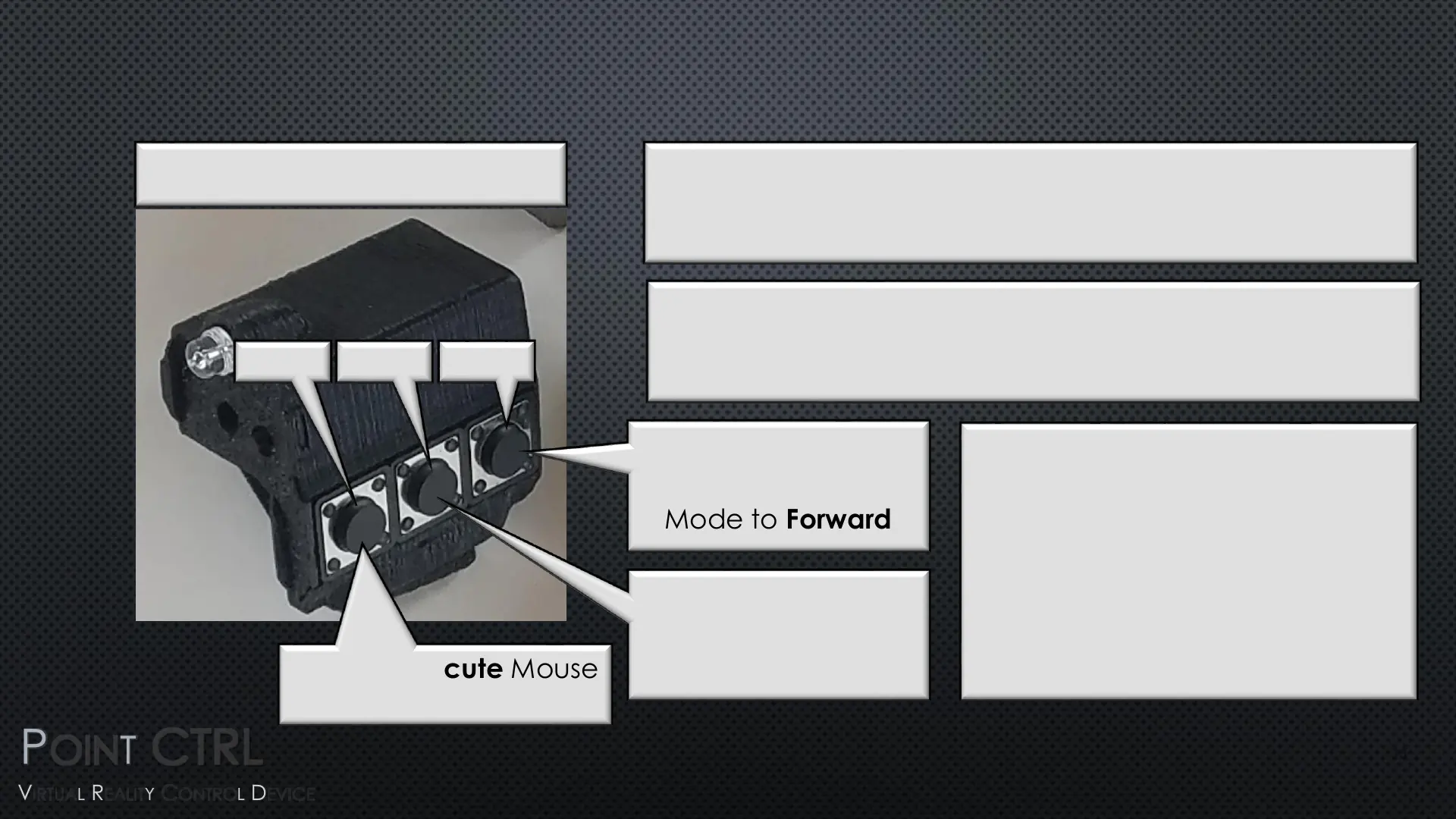
FCU OPERATION – MOUSE WHEEL FUNCTION
Press to Execute Mouse
Wheel Movement
Press to Set Mouse
Wheel Direction
Mode to Forward
Mouse Wheel Functionality
Emulation Direction
The Mouse Wheel Button (3) will Emulate the Mouse
Movement Direction of the Last Pressed BTN (1 or 2)
Press to Set mouse
Wheel Direction
Mode to Backward
BTN 1
BTN 2
Emulation Speed
The Mouse Wheel Speed will Start out Slowly and
Increase in Speed if the Execute BTN (3) is Held down
BTN 3
Note:
When Changing Mouse Wheel
Direction with BTNs (1 or 2) be
sure to not click on switches or
dials
13


 To Next Page
 Loading...