USER SETTINGS FCU ZOOM
Step 2
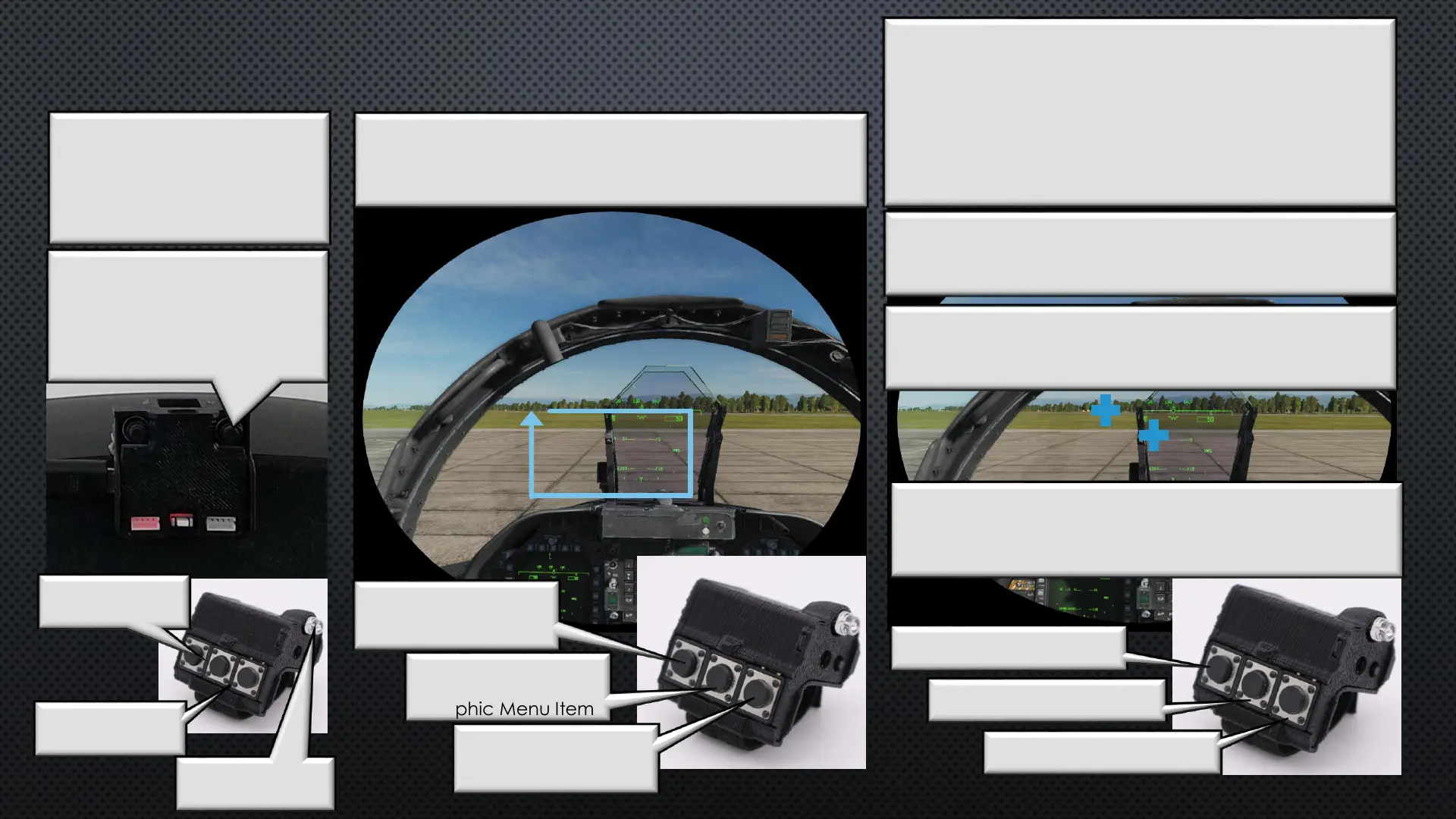
Navigate to the Zoom Mode (cursor tracing a
rectangle)and Press FCU Button 3
Step 3
Two cursors , a center for reference, and the active, will
become visible. Move FCU to where you want the
Zoom to become active and Press FCU Button 2.
To Disable Proximity Zoom move the FCU close to HMS
while keeping the active cursor centered., When the
second cursor disappears Press FCU Button 2
V/R Head Set View
Menu Left
Displays Next
Graphic Menu Item
Menu Right
Displays Next
Graphic Menu Item
Select
Enters the Menu
Setting Item
Set Zoom Out Distance
Set Zoom In Distance
Save Setting and Exit
Step 1
Enter User Settings Menu
While in Cockpit View
Press and Hold BTN2 (Right)
for 3 seconds
27
Step 4
Move FCU to the distance where you want the Zoom
to Return to normal and FCU Button 1
Step 5
Continue to test and modify you distance settings.
When satisfied Press FCU Button 3 to Save and Exit
2 & 3 Together
Zoom Out
1 & 2 Together
Zoom In
IRLED Not in
FOV Zoom Out
Note
If Proximity Zoom is disabled, you will see the cursor
move from left to right before moving up when you
save the settings
Important
In DCS, you must first bind
the VR zoom to [RightALT]+[0]
[0] = Keyboard Zero, Not Pad


 To Next Page
 Loading...