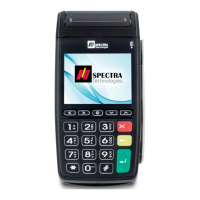
T300
5. The printer accepts thermal paper only, check whether the paper roll is the correct
type, please refer to section 1.5
6. Check whether the paper is jammed or damaged. Try to open the printer cover
and smooth the paper path.
7, Contact agency if problem cannot be solved
Malfunction on magnetic card reader
1. Check whether the way of card swiping is correct, speed is normal, please refer to
section 2.2
2. Try to swipe in opposite direction
3. Try to use another card
4. Contact agency if problem cannot be solved
Malfunction on IC card reader
1. Check whether the way of card insertion is correct, please refer to section 2.2
2. Check whether the card is completely inserted
3. Try to use another card
4. Contact agency if problem cannot be solved
Installation Guide 12


 To Next Page
 Loading...