EasyManua.ls Logo

Spectrex SharpEye 40/40I - User Manual

Spectrex SharpEye 40/40I
85 pages
Print Icon
To Next Page IconTo Next Page
Loading...
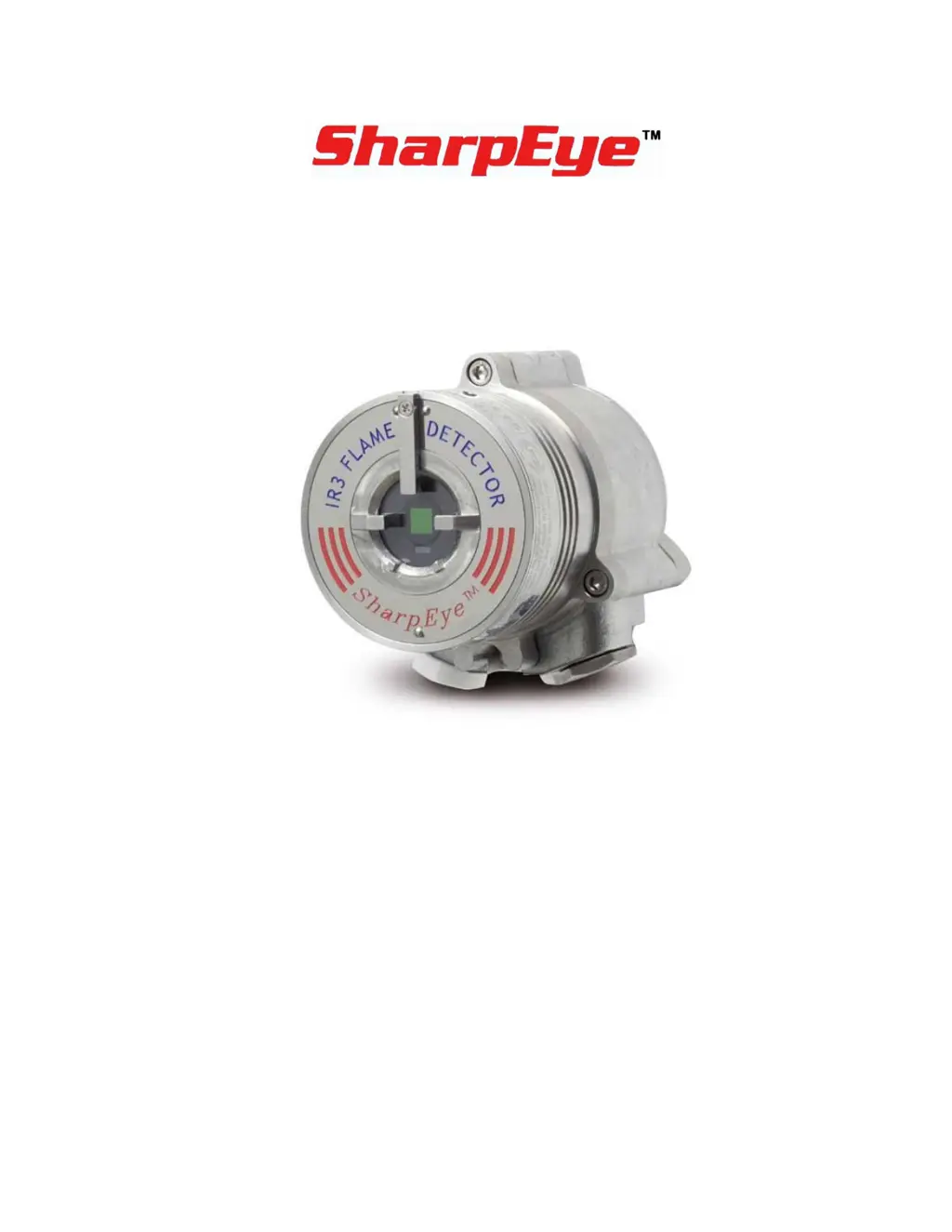
Model 40/40I
Triple IR (IR3) Flame Detector
User Guide
FM, CSA Approved
Class I Div. 1 Groups B, C, D
Class II/III Div. 1 Groups E, F, G
ATEX, IECEx Approved
Ex II 2G D
Ex db eb op is IIC T4 Gb
Ex tb op is IIIC T96°C Db
www.acornfiresecurity.com

Table of Contents

Questions and Answers

  • M
    maria64Aug 3, 2025
    What to do if the red LED is constantly on in Spectrex Security Sensors?
    • R
      Robert HarmonAug 3, 2025
      If the red LED is constantly on and there is no fire, the Spectrex Security Sensors detector alarm may be latched. You should perform a reset to resolve this issue.
  • K
    Krista TorresAug 11, 2025
    What to do if Spectrex SharpEye 40/40I Security Sensors show Alarm Relay at On 0–20mA at 20mA?
    • H
      Holly NelsonAug 11, 2025
      If the Spectrex Security Sensors are showing an alarm relay at On 0–20mA at 20mA, it indicates an alarm condition. First, check the cause of the alarm. If there is no actual alarm, try re-powering the detector. If the problem persists, the detector may need to be sent back for repairs.
  • B
    Barbara CastilloAug 18, 2025
    What to do if Yellow LED flashes at 4Hz Fault Relay at N.O. 0–20mA at 2mA in Spectrex SharpEye 40/40I?
    • M
      mcbridemichaelAug 18, 2025
      If the Yellow LED flashes at 4Hz and the Fault Relay is at N.O. 0–20mA at 2mA on your Spectrex Security Sensors, it could be due to a BIT Fault or a faulty detector. Try cleaning the detector window first. If that doesn't work, re-power the detector. If the issue continues, you may need to replace the detector.
  • R
    Richard HughesAug 26, 2025
    How to troubleshoot LEDs Off Fault Relay at N.O. 0–20mA at 0mA on Spectrex SharpEye 40/40I?
    • A
      Adam FigueroaAug 26, 2025
      If the LEDs are off and the Fault Relay is at N.O. 0–20mA at 0mA on your Spectrex Security Sensors, it indicates that there is no power to the unit. Ensure the correct power is being sent to the detector, verify the power polarity, and check the wiring in the detector. If problems persist, the detector should be sent back for repairs.

Summary

1 Introduction

2 Installing the Detector

2.7 Connecting the Detector

Describes how to connect the electric cabling to the detector, including power and conduit.

2.8 Configuring Your Detector

Details how to reprogram function setup using RS-485 or HART protocol.

3 Operating the Detector

3.2 Safety Precautions

Lists safety precautions to be followed after powering up the detector.

3.3 Testing Procedures

Describes proof testing procedures using Manual BIT or Flame Simulator.

4 Maintenance and Troubleshooting

4.2 Troubleshooting

Guides users on correcting problems that may occur during normal operation.

A Specifications

A.1 Technical Specifications

Lists spectral response, detection range, response time, fields of view, and BIT.

A.2 Electrical Specifications

Details operating voltage, power consumption, and maximum current for the detector.

A.3 Outputs

Describes the 5 output wiring options and dry contact relay ratings.

A.4 Approvals

Lists hazardous area, functional, and other approvals for the detector.

B Wiring Instructions

B.1 General Instructions for Electrical Wiring

Guides on determining wire gauge and size for installation based on resistance and voltage drop.

B.2 Typical Wiring Configurations

Provides examples of typical wiring configurations for the detector.

C RS-485 Communication Network

D Accessories

E SIL-2 Features

Spectrex SharpEye 40/40I Specifications

General IconGeneral
Housing Material316 Stainless Steel
TypeFlame Detector
Sensor TypeIR3 (Triple IR)
Response Time<5 seconds
Field of View90°
Power Supply18-32 VDC
Operating Temperature-67°F to +185°F (-55°C to +85°C)
HumidityUp to 95% RH, non-condensing
EnclosureIP66 and IP67
ApprovalsFM, ATEX, IECEx, CSA
Outputs4-20mA, HART
Dimensions150 mm x 100 mm x 100 mm (5.9" x 3.9" x 3.9")
Ingress ProtectionIP66 and IP67

Related product manuals