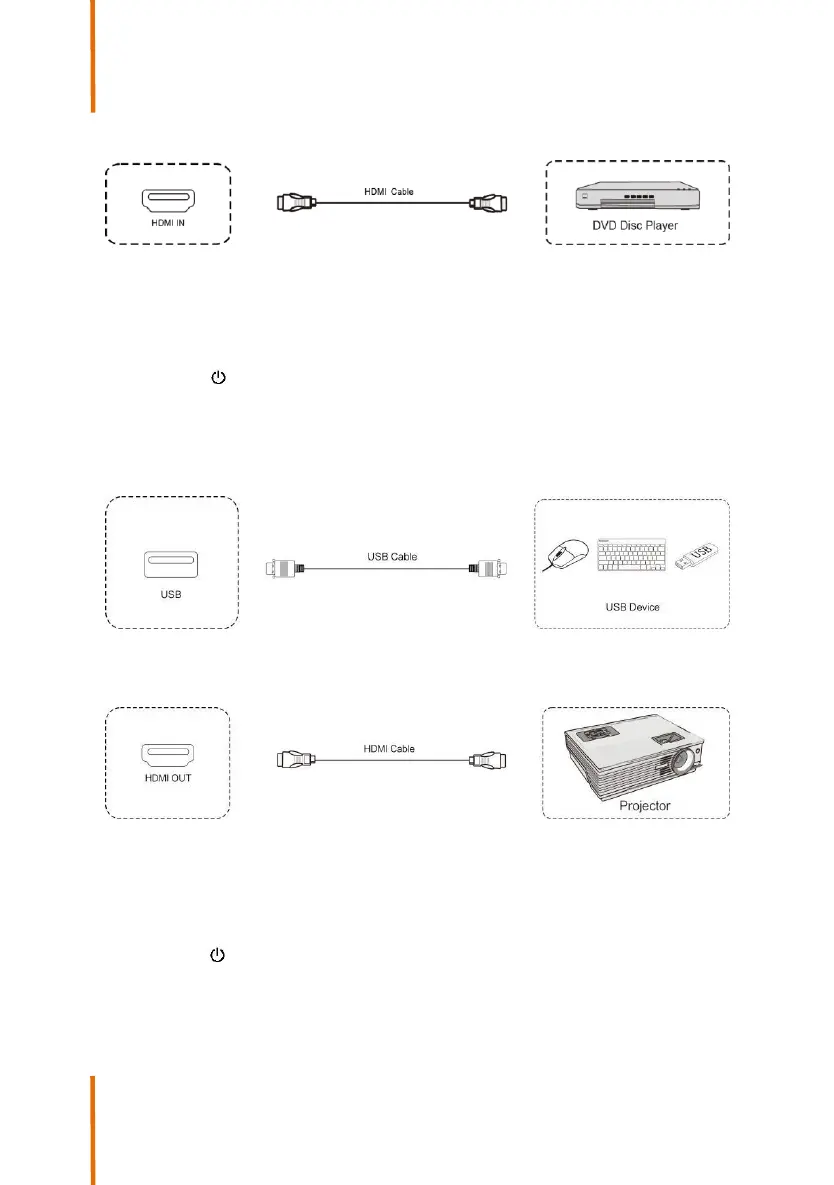
(2) Audio and Video Equipment
1) Use HDMI cable to connect audio and video equipment with
HDMI output.
2) After cable connection, plug in power cord, and switch power
on.
3) Press to turn equipment on.
4) Switch the input source to the HDMI channel in the main
menu.
(3) USB Connection
(4) Audio and Video Equipment
1) Use HDMI cable to connect audio and video equipment with
HDMI output.
2) After cable connection, plug in power cord, and switch power
on.
3) Press to turn equipment on.
13
Speechi 2022



 To Next Page