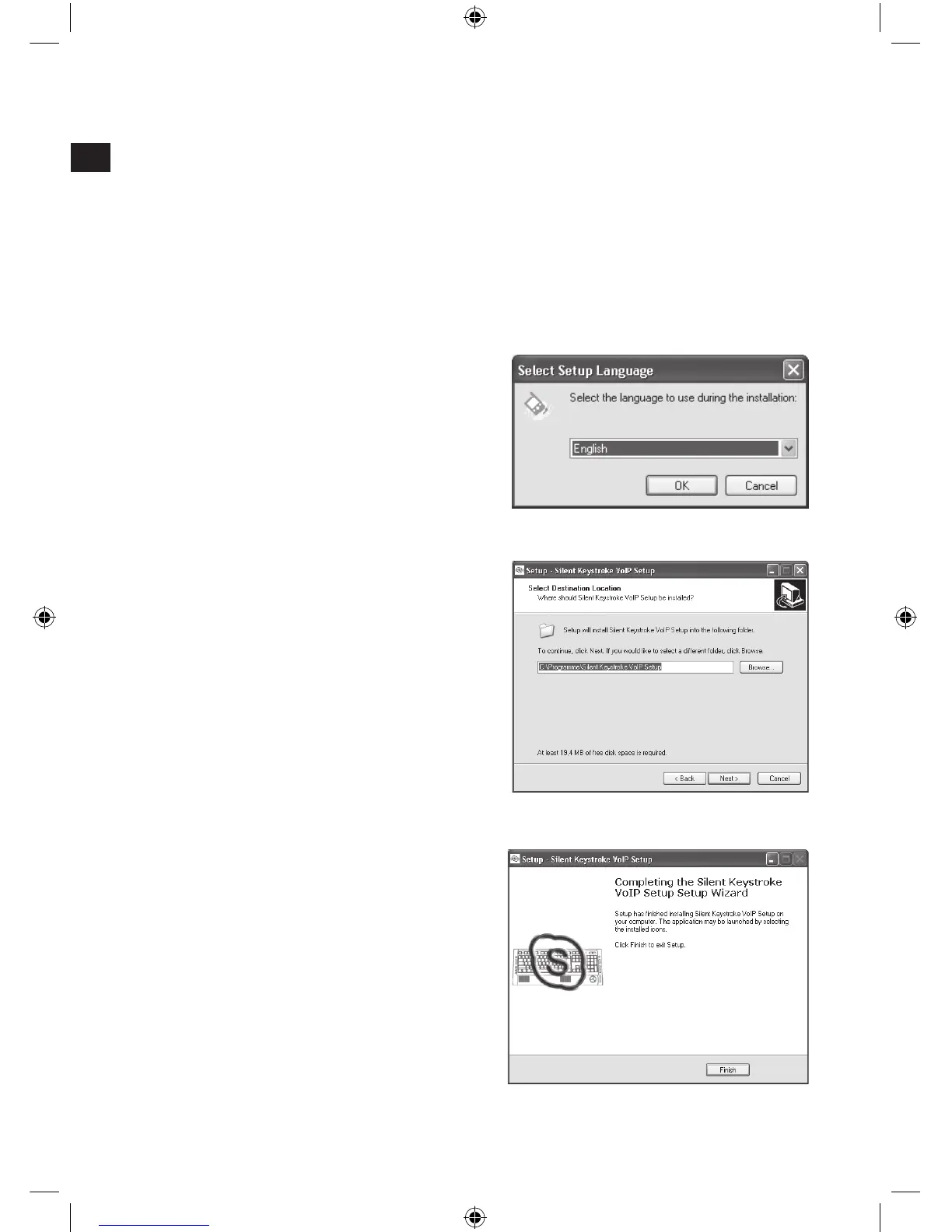
Driver installation
Insert the supplied driver CD into your CD-ROM drive.
On the installation menu, click on the button Driver.
If the installation menu does not automatically start click on Start/Run/
Browse and select your CD-ROM drive. Double click on the le Setup.exe.
Follow the on-screen instructions.
If prompted, restart your PC.
Firstly you can select the desired
driver interface language.
Following that, choose the folder
where the driver for the Silent
Keystroke keyboard is to be stored.
After the driver has been installed
click on Finish to complete the
procedure.



 To Next Page