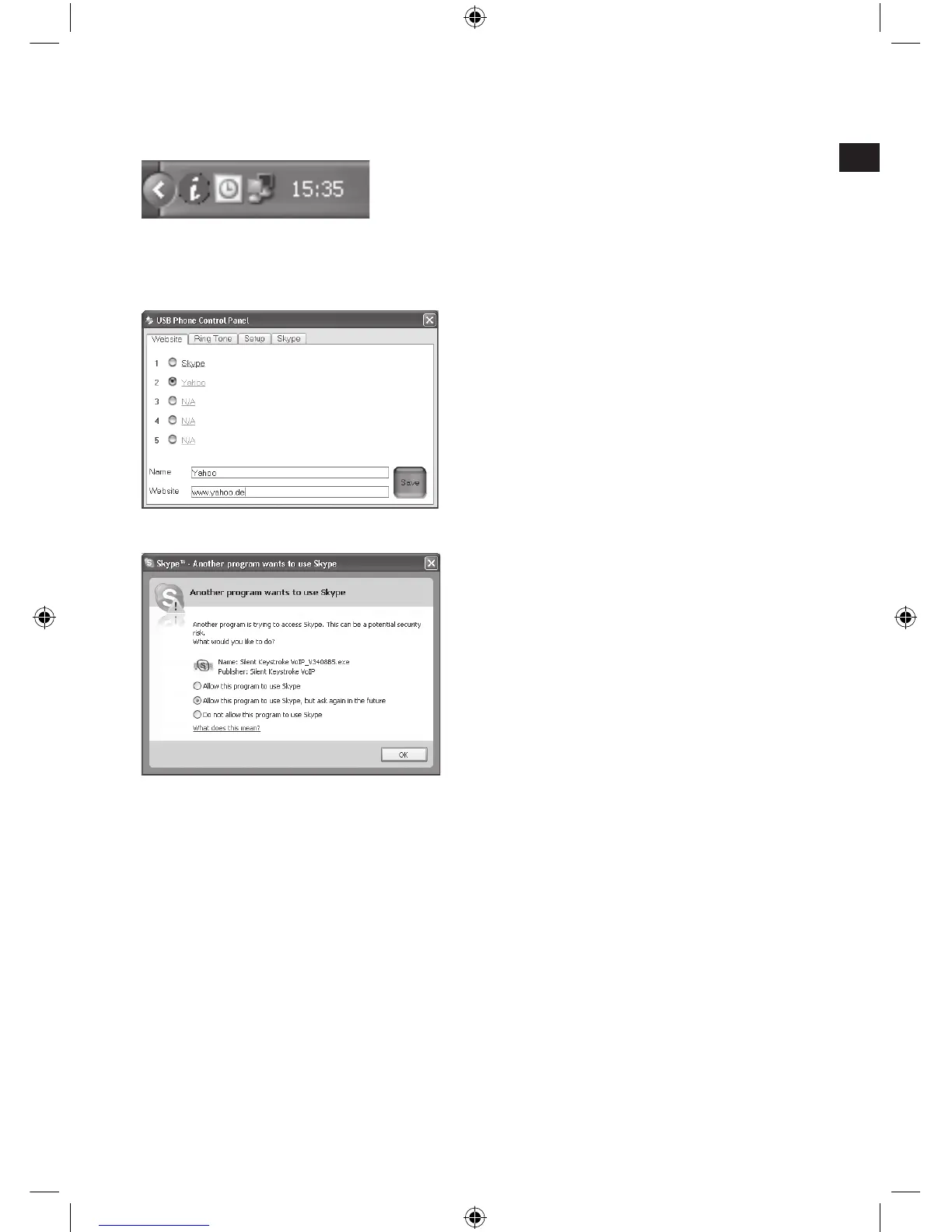
In the notication area on the bottom
right-hand side of the desktop you will
nd a green exclamation mark. Click
on it to adjust sound and microphone
settings.
You can add further programmes
here along with Skype™. This
gives you access to further Internet
communication programmes using the
hotkeys.
If you have already installed Skype™
on your computer then Skype™
will prompt you immediately after
installation of the driver if you want
to allow Silent Keystroke keyboard
access. Click on Allow access so
that the Skype™ hotkeys become
activated.
Connecting to the PC
Plug the USB connector into one of the USB ports on your computer. The
operating system will automatically detect that a new device has been
connected.
In some cases the operating system might prompt you to insert the
Windows installation CD. If it does, simply follow the on-screen instructions.



 To Next Page