SpiderCloud Radio Node - SCRN-310 Hardware Installation Guide
SpiderCloud Wireless, Inc.
9
Antennas
The radio node includes four integrated antennas: two UMTS antennas and two LTE antennas. The UMTS
radio operates in 1x2 mode with receive diversity. The LTE radio operates in 2x2 mode with MIMO.
Tip:
To maximize antenna transmission, SpiderCloud Wireless recommends not installing the radio node
inside a metallic enclosure.
Ports
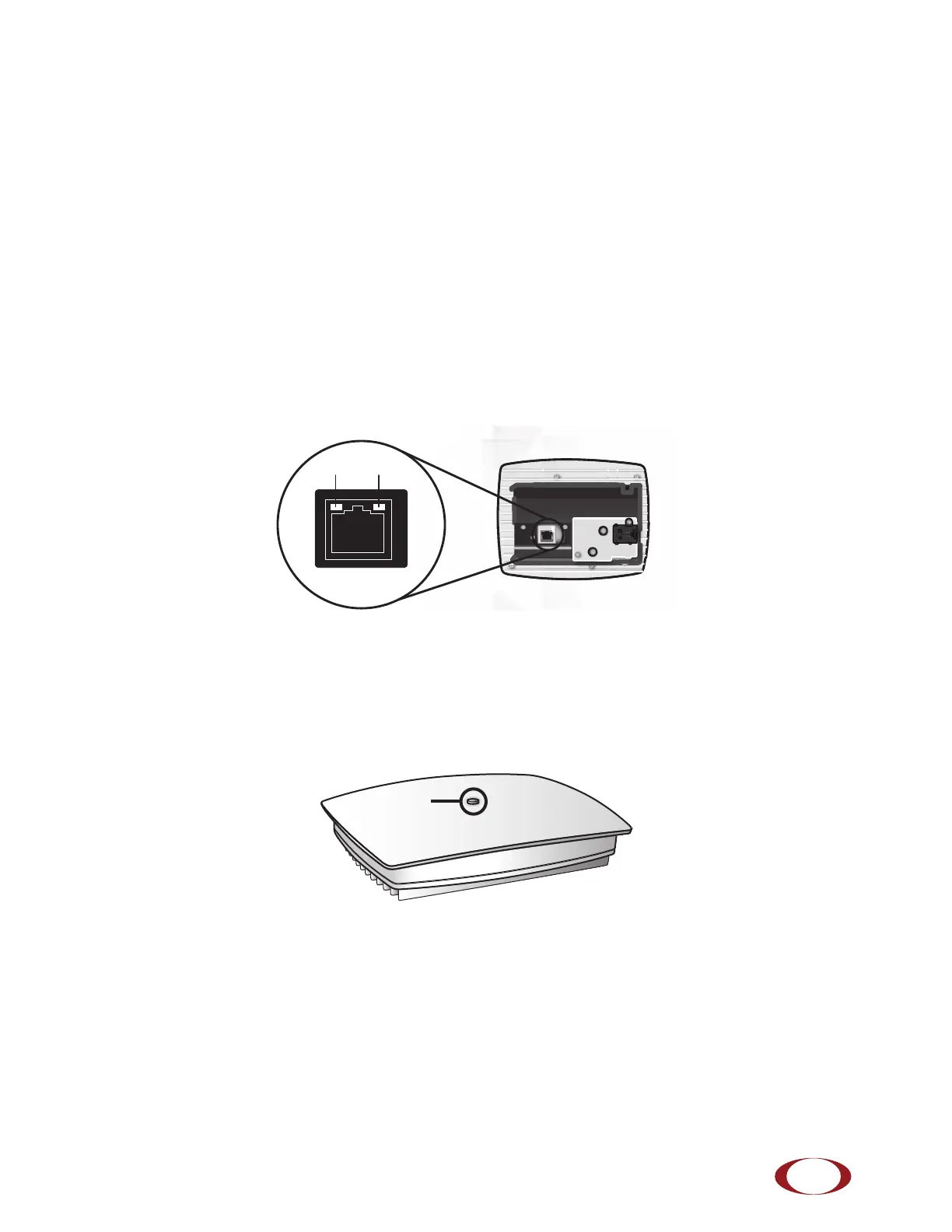
The radio node has one 1 Gigabit Ethernet port that supports a Category 5e (Cat 5e) or better twisted-pair
cable with an RJ-45 connector. Figure 4 shows the Ethernet port. There are two LEDs on the connector:
• Link: Steady green state indicates a normal Layer 2 link connection has been established.
• Activity: Yellow blinking indicates data activity.
Figure 4 Ethernet Port
The Top-Panel LED
The radio node has one top-panel tricolor LED to indicate power and status. This is the only LED visible
under normal operating conditions. When the radio node initially boots the LED cycles through a number of
colors and flashing behaviors until it is fully operational.
Figure 5 Radio Node Tricolor LED



 To Next Page