Tip:
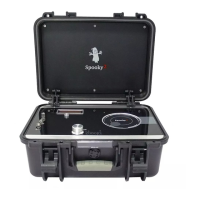
GX must not be in the Scalar field, because the case and elec-
tronics in GX are metal, which will distort the field. Please keep
GX 1m away from Spooky2 Scalar Transmitter, and 1m from the
scalar field.
1. Launch the Spook2 software. Please take a note for the corre-
sponding port numbers for G1 and G2, which can be seen on the
GX display. In this example, G1 is Port 14 and G2 is Port 15.
2. Select the Spooky2 Scalar Digitizer Slave (GX) - JW preset,
then go to the Settings tab. In the Output Shadowing frame, set
'Output = [x]’, x = the port number of G1. Here, x=14.
4
Step 2: Software


 To Next Page