38
COMPATIBLE FITNESS APPLICATION
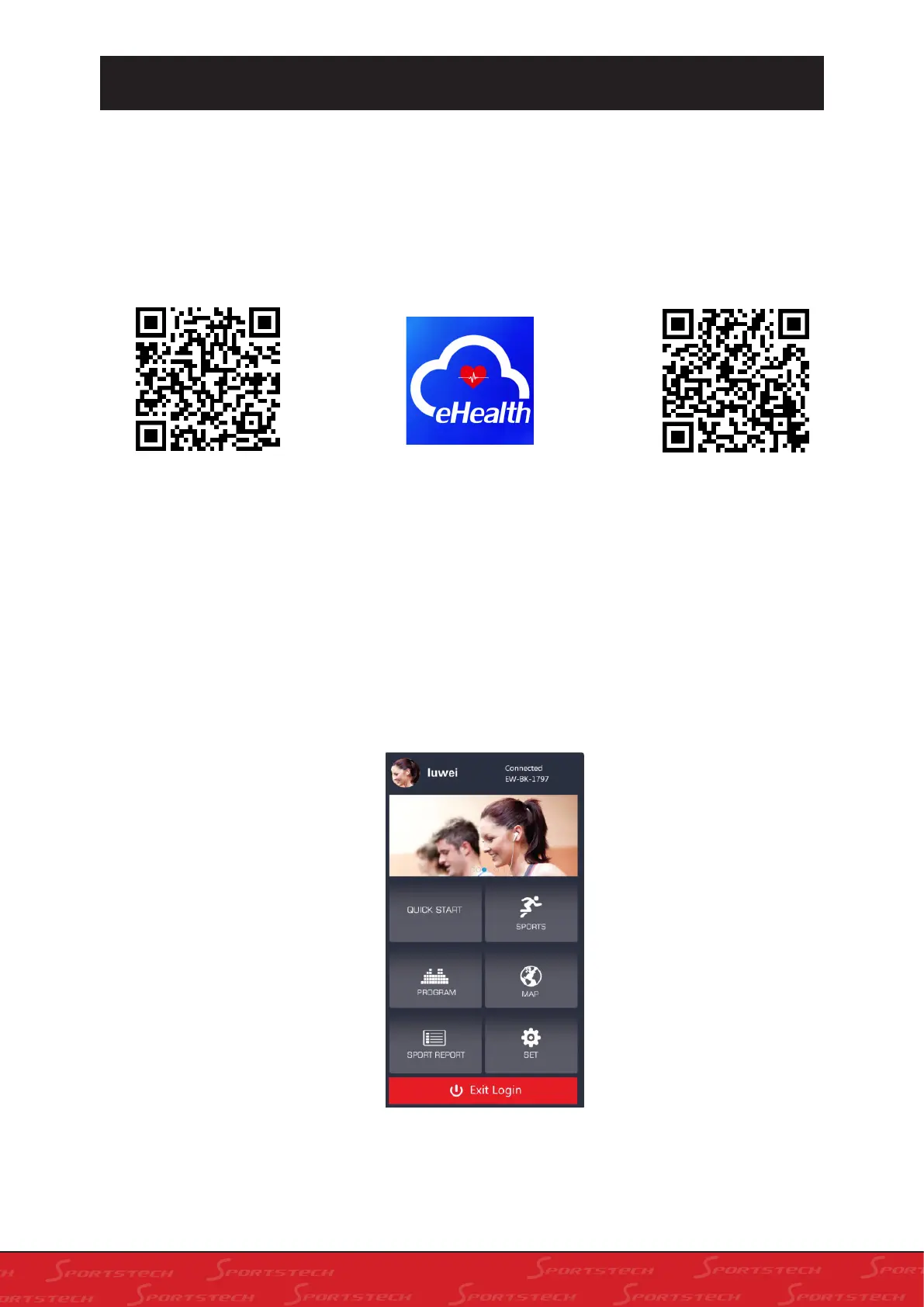
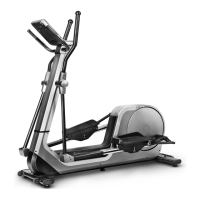
You can download the app "e-Health"via the QR code shown here. Mobile device requirement: And-
roid 4.4 or higher with Bluetooth 4.0, iOS 9.0 or higher.
Please turn on the Bluetooth function on your device first.
Android: You can search in the Google Play Store for "e-Health", or download via the QR Code.
iOS: You can search in the App Store for "e-Health", or download via the QR Code.
Notes on using the App:
As an Android user, please make sure that a check mark is placed under "Unknown sources" in
"Settings -> Device security".
1. After downloading APP, press the icon
to connect.
2. Your are now successfully connected.
How to start the app:
Android iOS


 To Next Page