14.
Correction
For the optimal brightness
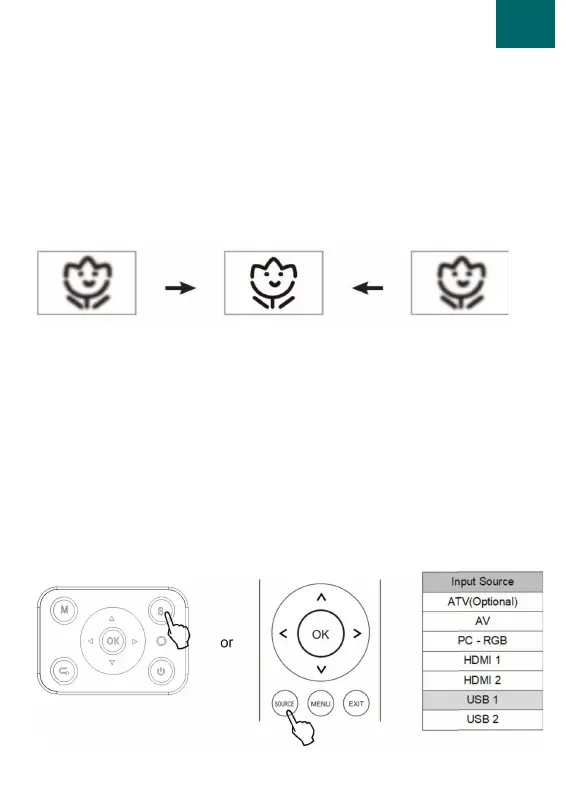
1. Manual focus allows you to focus the image. Turn this knob
until the image is at its sharpest.
2. It is normal for the edges of the image to be slightly out of
focus.
1. Connect the projector in the desired way, choose from USB,
HDMI, AV, VGA.
2. When the desired source is connected press source. This can
be done either on the remote control or the control panel.
3. If desired, stereo speakers can also be connected to the
projector. This can be done with the 3.5MM jack opening.
Source


 To Next Page