08
GAMETRAKA - PERFORMANCES
PERFORMANCE
IN GAMETRAKA
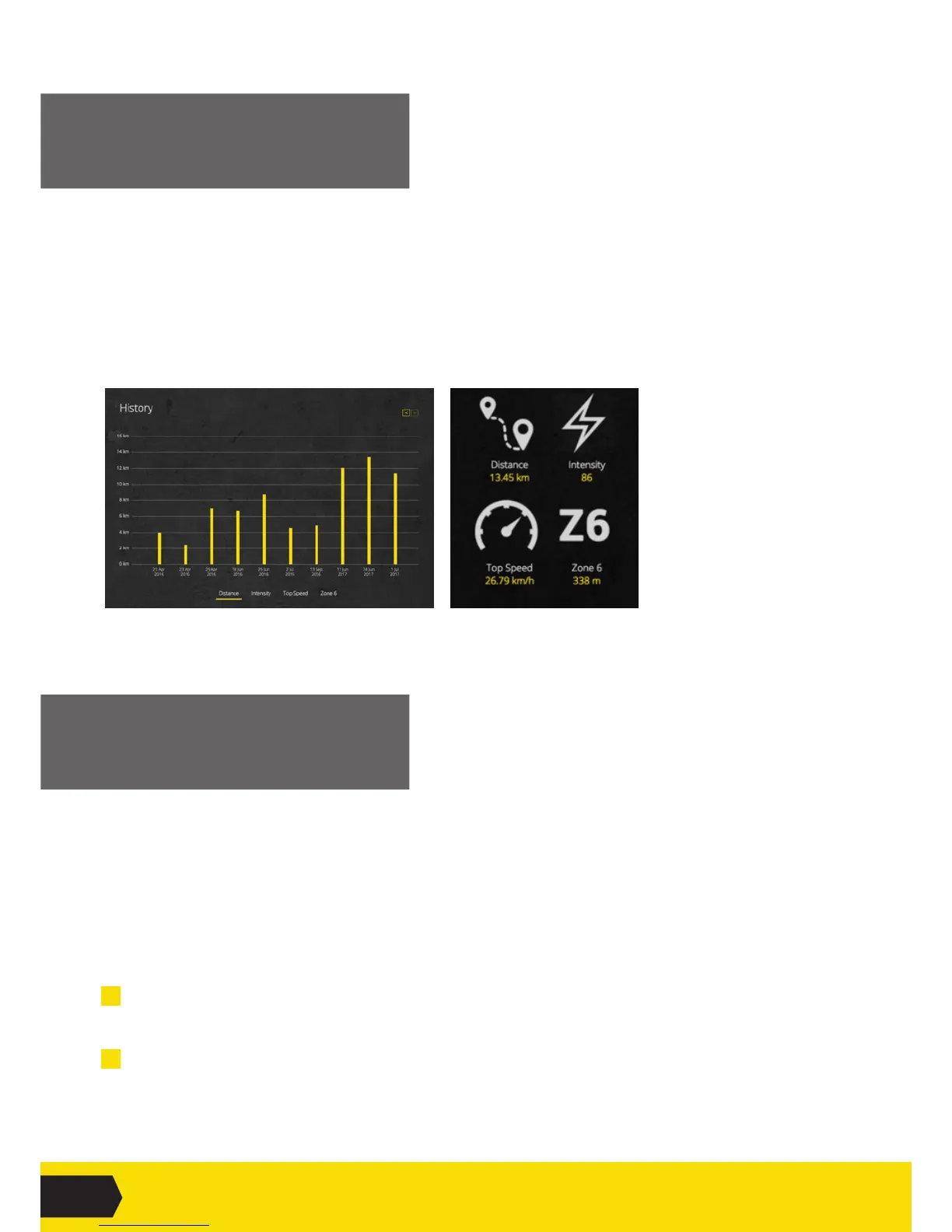
My Performances is a personal summary of activity.
History: Alistofperformancesovertime.Clickingonthebuttonsatthebottomofthegraphwillshow
Distance,Intensity,TopSpeedorZone6.Clickingonthebarsillustrateadetailedbreakdown.
Personal Bests:ThisshowspersonalbestsforTotalDistance,Intensity,TopSpeedandZone6.
Thesevaluesareupdatedeverytimeaperformanceisuploadedwithabetterscore.
ADD SEGMENTS
IN A PERFORMANCE
GameTrakaallowssegmentstobeaddedeitherautomatically or manually.
Addingsegmentsautomaticallyisusefulifyouareunsureaboutwhenagamestartedorstopped-thetoolswill
makeanestimatewhichcanthenbeadjustedlater.Thisisthefastestwaytoaddsegmentstoanevent.
Addingsegmentsmanuallyallowscompletecontroloverwheregamehalves(orquarters,orperiods)startandend.
Toaddsegmentsautomatically:
1 Navigate to the Events page.
Chooseateamandclickontheeventoftheperformanceyouwanttocreateasegmentfor.
2 ClickGenerate SegmentsandGameTrakawillusealgorithmstodeterminewheresegments
should be created for your event.


 To Next Page
 Loading...